63
Fax
When a Fax or Call Comes In
The machine continuously rings in Manual mode. Pick up the receiver of the external
telephone to answer the call. If the call is a fax, you will hear a beep. See “Receiving Faxes in
Manual Mode,” to manually switch to receive mode.
Receiving Faxes in Manual Mode
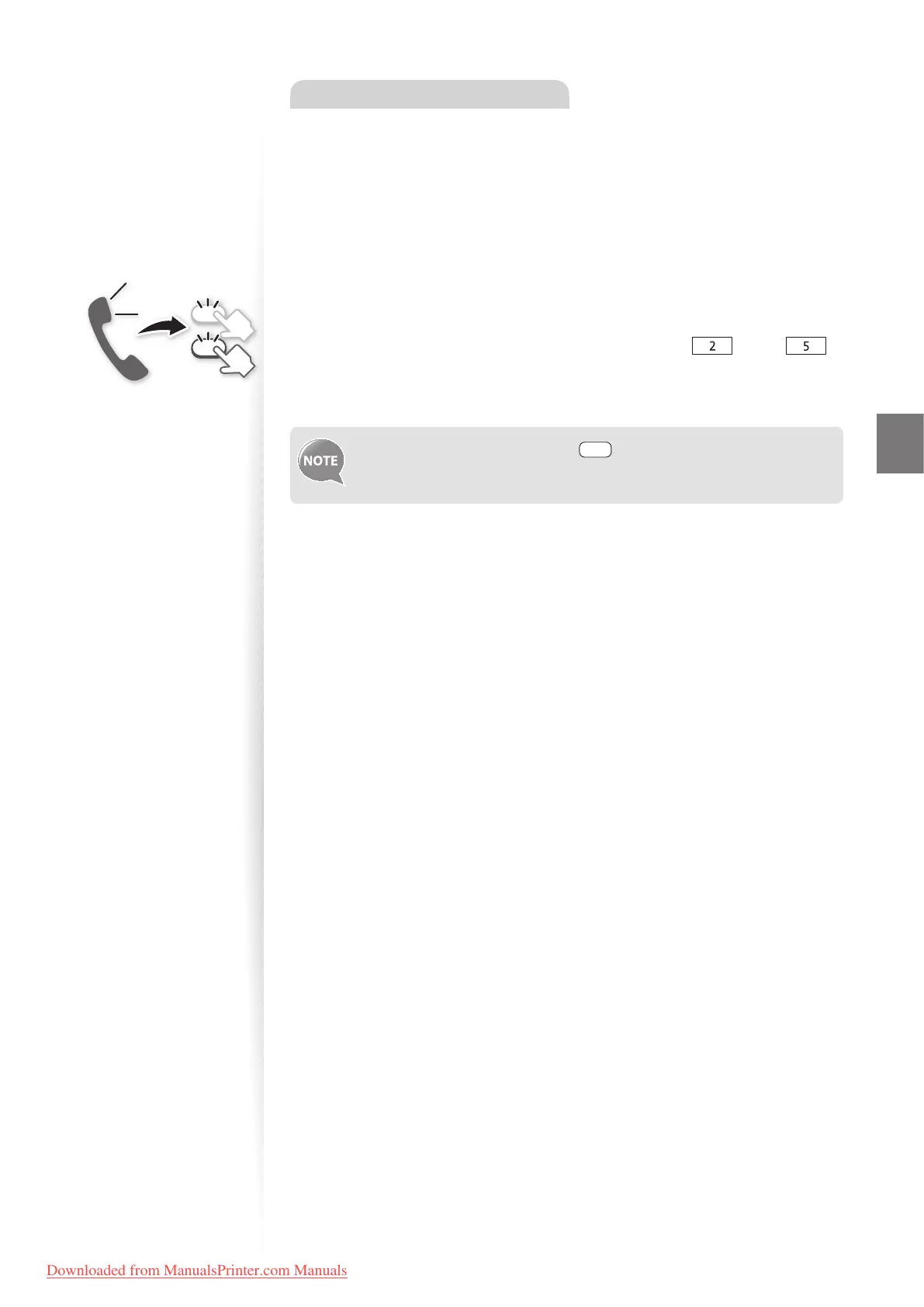
If you hear a beep when you answer a call in manual mode, the call is a fax. Follow the
procedure below to manually switch to receive mode.
1
If you hear a beep when you answer the call, press [ ] and [ ]
(Remote RX ID).
2
Hang up the receiver.
To change the remote RX ID, press [ ] (Menu) <Fax RX Settings>
<RX Function Settings> <Remote RX> <On>, and then specify a
remote RX ID.
2
5
Downloaded from ManualsPrinter.com Manuals












 To Next Page