58
Sending a Fax to Multiple Destinations
(Sequential Broadcast)
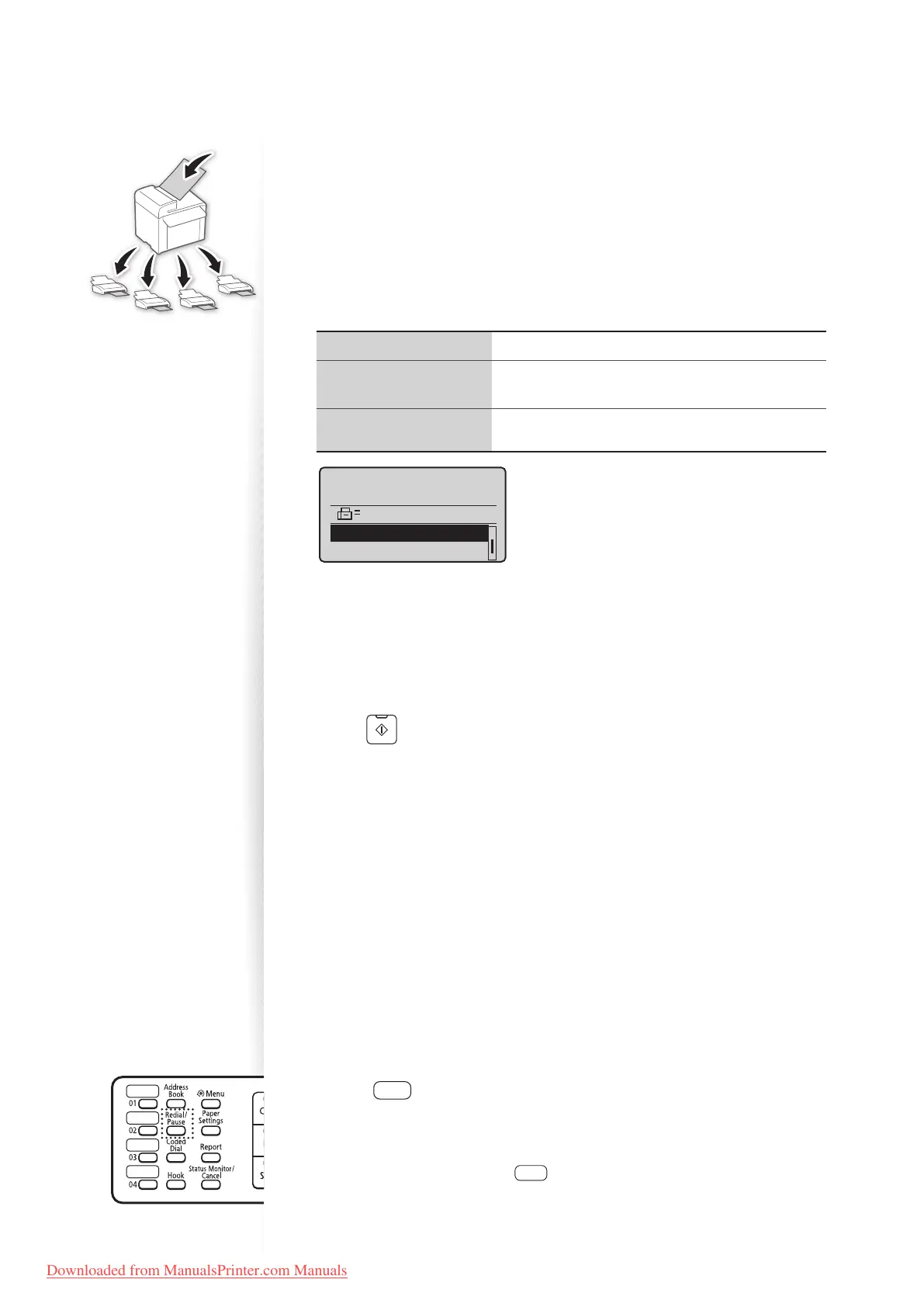
You can send the same document to multiple recipients at once.
1
Place your documents (→p.19).
2
Switch to the Fax mode (→p.16).
3
Specify the destination.
4
Press [▲] or [
▼
] to select the desired method for specifying destinations.
<Address Book> Select a destination from the address book.
<Coded Dial>
Enter the numbers registered in the coded dialing
cod
es.
<Specify Next
Destinat
ion (New)>
Enter the destination with the alphanumeric keys.
Send: Press Start
Destinations: 001
0123456789
Address Book
Coded Dial
5
Specify the destination, and then press [OK].
6
Repeat steps 4-5 to enter additional destinations as needed.
•
<Specify Next Destination (New)> is available up to 10 destinations.
• To con rm or delete destinations, press [▲] or [
▼
] to highlight
<Con rm/Edit Destination>, and then press [OK].
7
Press [ ] (Start).
Sending a Fax to an International Destination
(Adding Pauses)
When sending faxes to international destinations, it is sometimes di cult to connect to a
recipient, due to the long distance that the signal must travel. You can insert a pause after
the international access code to reduce this problem.
1
Place your documents (→p.19).
2
Switch to the Fax mode (→p.16).
3
Use the alphanumeric keys to enter the international access code.
•
For details about international access codes, contact your telephone service provider.
4
Press [ ] (Redial/Pause) to enter a pause.
•
The letter <p> is displayed to indicate the pause.
• The default pause added before the number is two seconds. To change the pause
time, see “<Pause Time>” (→p.67).
• To add another pause, press [ ] (Redial/Pause) again.
5
Use the alphanumeric keys to enter the country code, area code, and fax
number.
Downloaded from ManualsPrinter.com Manuals












 To Next Page