57
Fax
Searching the Address Book
You can search a name registered to the address book.
1
Place your documents (→p.19).
2
Switch to the Fax mode (→p.16).
3
Adjust the image quality of the documents as needed (→p.52).
4
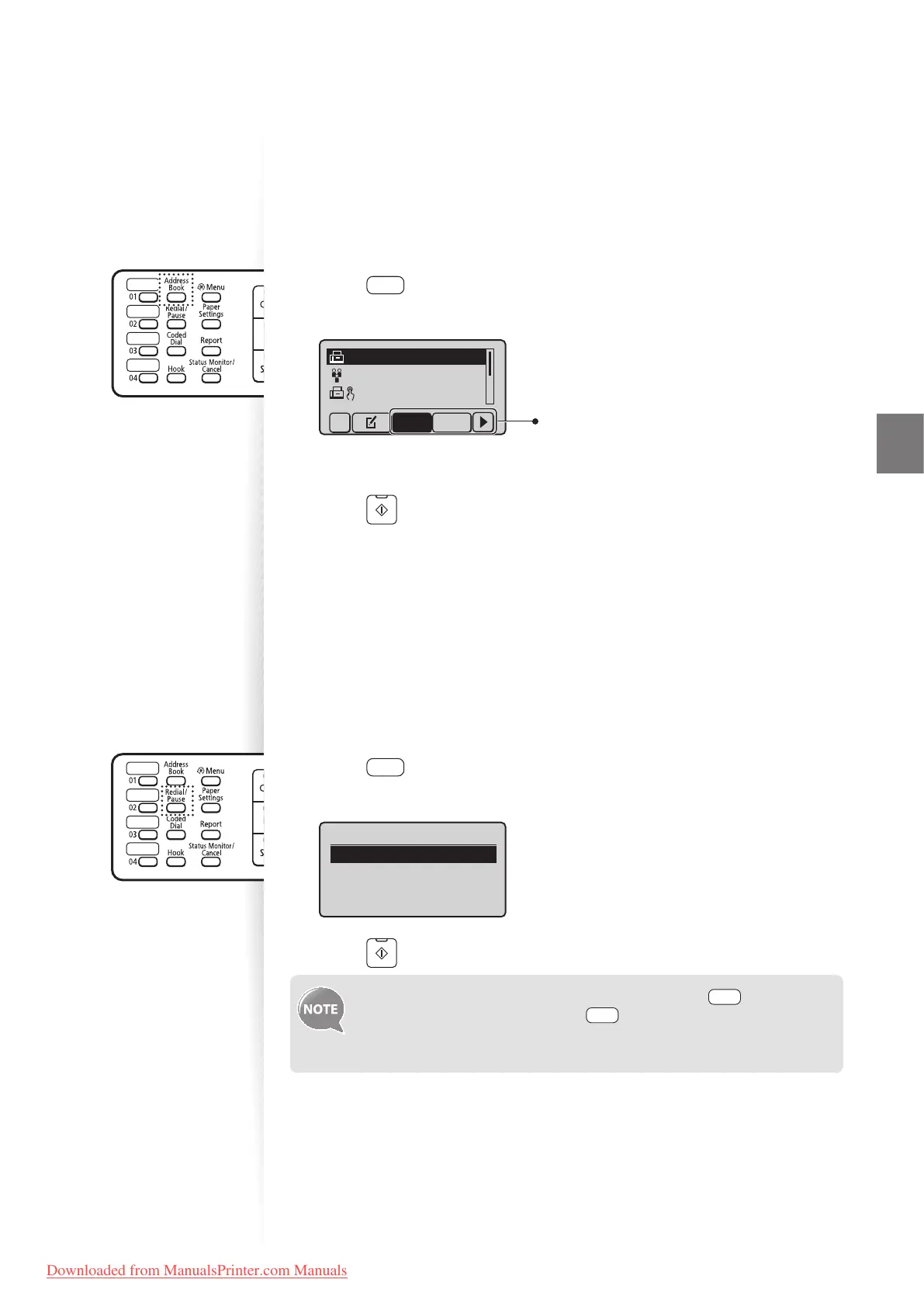
Press [ ] (Address Book).
5
Press [◄] or [►] to search for a recipient.
CANON 0123456789
GroupA 2 Destin
...
User01 01234567
...
All A-Z
Select <All> or an initial
in the recipient’s name.
6
Press [▲] or [
▼
] to highlight the desired recipient, and then press [OK].
7
Press [ ] (Start).
Redialing
If you send faxes by entering the fax number manually, the last three destinations are stored
in the memory. You can send faxes to the stored destinations.
1
Place your documents (→p.19).
2
Switch to the Fax mode (→p.16).
3
Press [ ] (Redial/Pause).
4
Press [▲] or [▼] to highlight the destination, and then press [OK].
Redial
012XXXXXX
5
Press [ ] (Start).
• To automatically enter the last destination used, press [ ] (Hook).
When the dial tone sounds, press [ ] (Redial/Pause).
• The destinations stored in the memory are deleted, if you restart the
machine.
Downloaded from ManualsPrinter.com Manuals












 To Next Page