46
View and Cancel Print Jobs
You can view or cancel print jobs that are waiting or in progress.
1
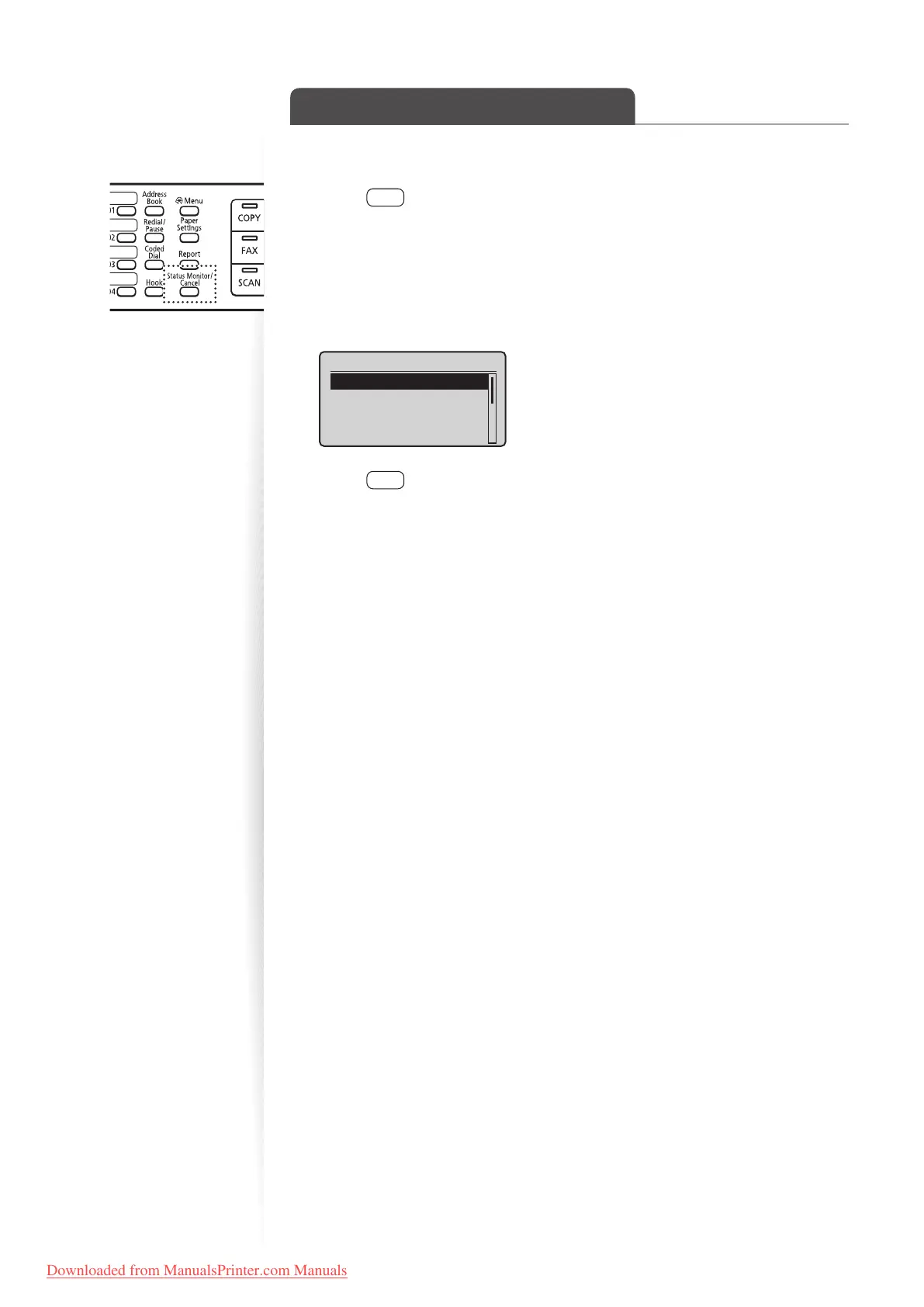
Press [ ] (Status Monitor/Cancel).
2
Press [▲] or [▼] to highlight <Print Job Status>, and then press [OK].
3
View the details of a print job or cancel the job.
•
Press [▲] or [▼] to view the print job status.
• Press [OK] to view the detailed information.
• To cancel the job, press [▲] or [▼] to highlight <Cancel>, and then press [OK].
Details
<Cancel>
Job Number: 0020
Status: Printing
Time: 01/01 09:42AM
4
Press [ ] (Status Monitor/Cancel) to close the screen.
Downloaded from ManualsPrinter.com Manuals












 To Next Page