68
Restricting Fax Sending Functions
1
Press [ ] (Menu).
2
Press [▲] or [
▼
] to highlight <System Settings>, and then press [OK].
3
Press [▲] or [
▼
] to highlight <Restrict TX Function>, and then press [OK].
4
Press [▲] or [
▼
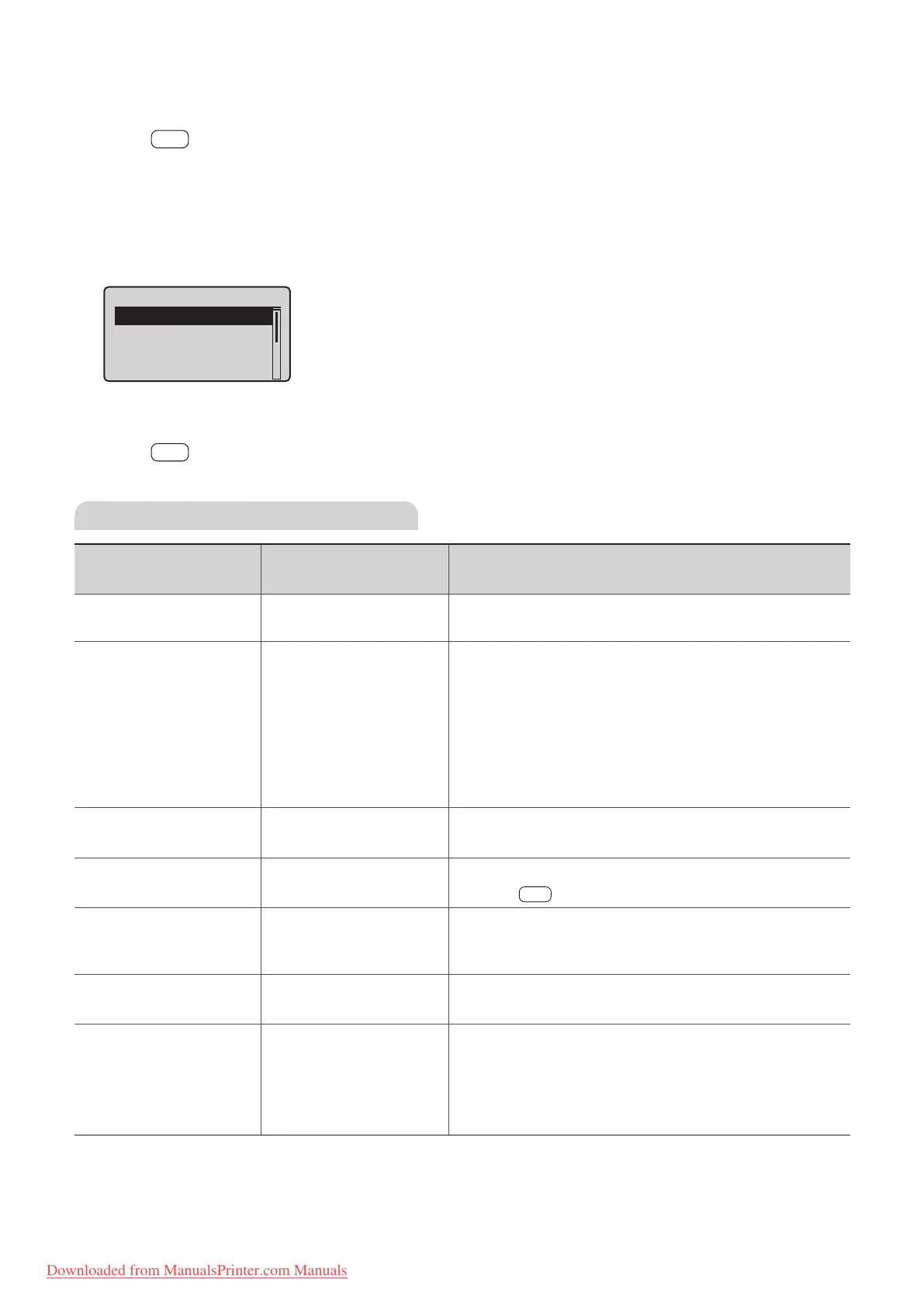
] to highlight the desired item, and then press [OK].
•
See “Settings for Restricting Fax Sending.”
Restrict TX Function
Address Book PIN
Restrict New Destin
...
Allow Fax Driver TX
Restrict Sending Fr
...
5
Specify the setting values, and then press [OK].
6
Press [ ] (Menu) to close the Menu screen.
Settings for Restricting Fax Sending
Settings
Options
Bold: Default settings
Details
<Address Book PIN>
Specify a PIN to protect the address book. The PIN will be
re
quired to register, edit, or delete destinations.
<Restrict New
Destina
t
ions>
O
On
Res
t
rict the destinations that can be speci ed to pre-registered
one-touch keys or coded dialing codes. Restricting destinations
will prevent the following operations:
• Specifying a destination with the numeric keys
• Registering new destinations to the address book, one-touch
keys, or coded dialing codes
• Changing destinations that are registered to the address
book, one-touch keys, or coded dialing codes
<Allow Fax Driver TX>
O
On
Sp
ecify whether or not to allow faxes to be sent via a
computer’s fax driver.
<Restrict Sending From
Histor
y>
O
On
Sp
ecify whether or not to restrict sending faxes from history by
pressing [
] (Redial/Pause).
<Fax No. Con rmation
Re
-Entry>
O
On
Sp
ecify whether or not to require a con rmation before
sending a fax. If you activate this feature, you must re-enter the
fax number before sending a fax.
<One-Touch/Coded Dial
TX C
on rmation>
O
On
Selec
t whether or not to require con rmation when specifying
a destination by the one-touch key or coded dialing code.
<Restrict Sequential
Broadcast>
O
Con
rm Sequential
Broadcast
Reject Sequential Broadcast
Specify whether or not to restrict faxes to multiple recipients.
If <Con rm Sequential Broadcast> is selected, a
con rmation screen is displayed when you send a fax to
multiple recipients. If <Reject Sequential Broadcast> is
selected, you cannot send a fax to multiple recipients.
Downloaded from ManualsPrinter.com Manuals












 To Next Page