50
8
Press [▲] or [
▼
] to highlight <Destination>, and then press [OK].
9
Enter the fax number, press [▲] or [
▼
] to highlight <Apply>, and then
press [OK].
•
Select <Set Details> to specify detailed options as needed.
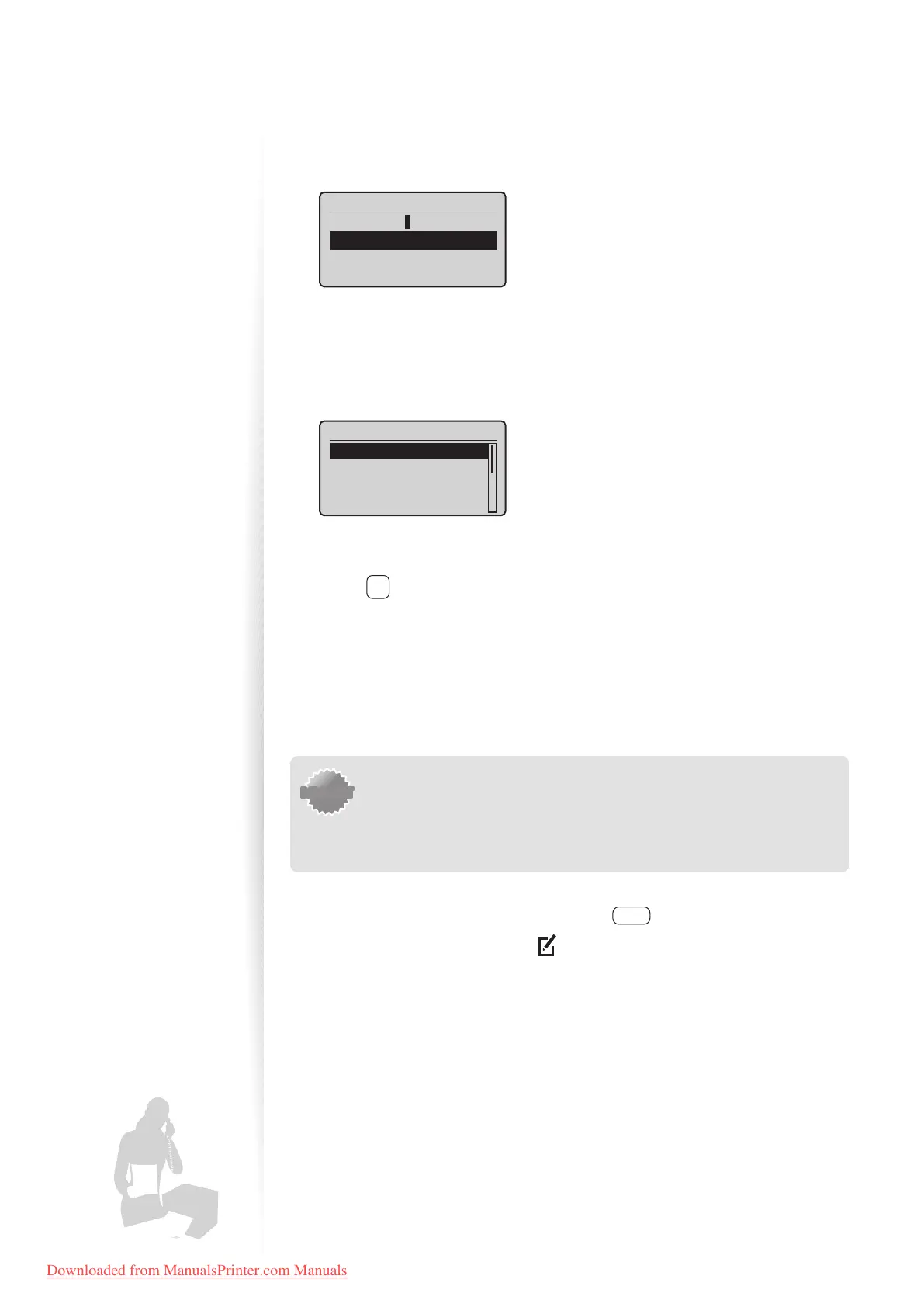
Destination (Max 40)
0123456789
<Apply>
Set Details
10
Press [▲] or [▼] to highlight <Coded Dial>, and then press [OK].
11
Press [▲] or [▼] to highlight the coded dialing number you want to
register (001 to 100), and then press [OK].
•
Up to 100 coded dialing codes are available.
Enter Registration No.
001 Not Registered
002 Not Registered
003 Not Registered
004 Not Registered
12
Press [▲] or [▼] to highlight <Apply>, and then press [OK].
13
Press [ ] (Back) to close the screen.
Registering Recipients for Group Dialing
You can register a group of multiple recipients to an one-touch keys or a coded dialing
code. It is useful when sending a fax to multiple destinations at once.
IMPORTANTIMPORTANT
• Register group addresses to an unused one-touch key or coded dialing
codes. Make sure that you leave some unused one-touch keys or coded
dialing codes for group dialing.
• Individual destinations must be registered to one-touch keys or coded
dialing codes before they can be added to a group.
1
Switch to the Fax mode, and then press [ ] (Address Book).
2
Press [◄] or [►] to highlight < > (Menu).
3
Press [▲] or [
▼
] to highlight <Register New Destination to Address
Book>, and then press [OK].
4
Press [▲] or [
▼
] to highlight a destination type to register the group dial
to.
•
You can select between coded dialing and one-touch key.
Downloaded from ManualsPrinter.com Manuals












 To Next Page