84
Clean the Machine
Clean the exterior and interior of the machine, platen glass, feeder, and the xing unit
periodically.
Cleaning the Exterior and Interior
Clean the exterior and interior of the machine to prevent toner powder and paper dust
from accumulating inside.
IMPORTANTIMPORTANT
For safety, be sure to turn OFF the machine and disconnect all cables from
the machine before cleaning the machine. When you nish cleaning the
machine, wait for it to dry completely before reconnecting the power cord,
and then turn ON the power.
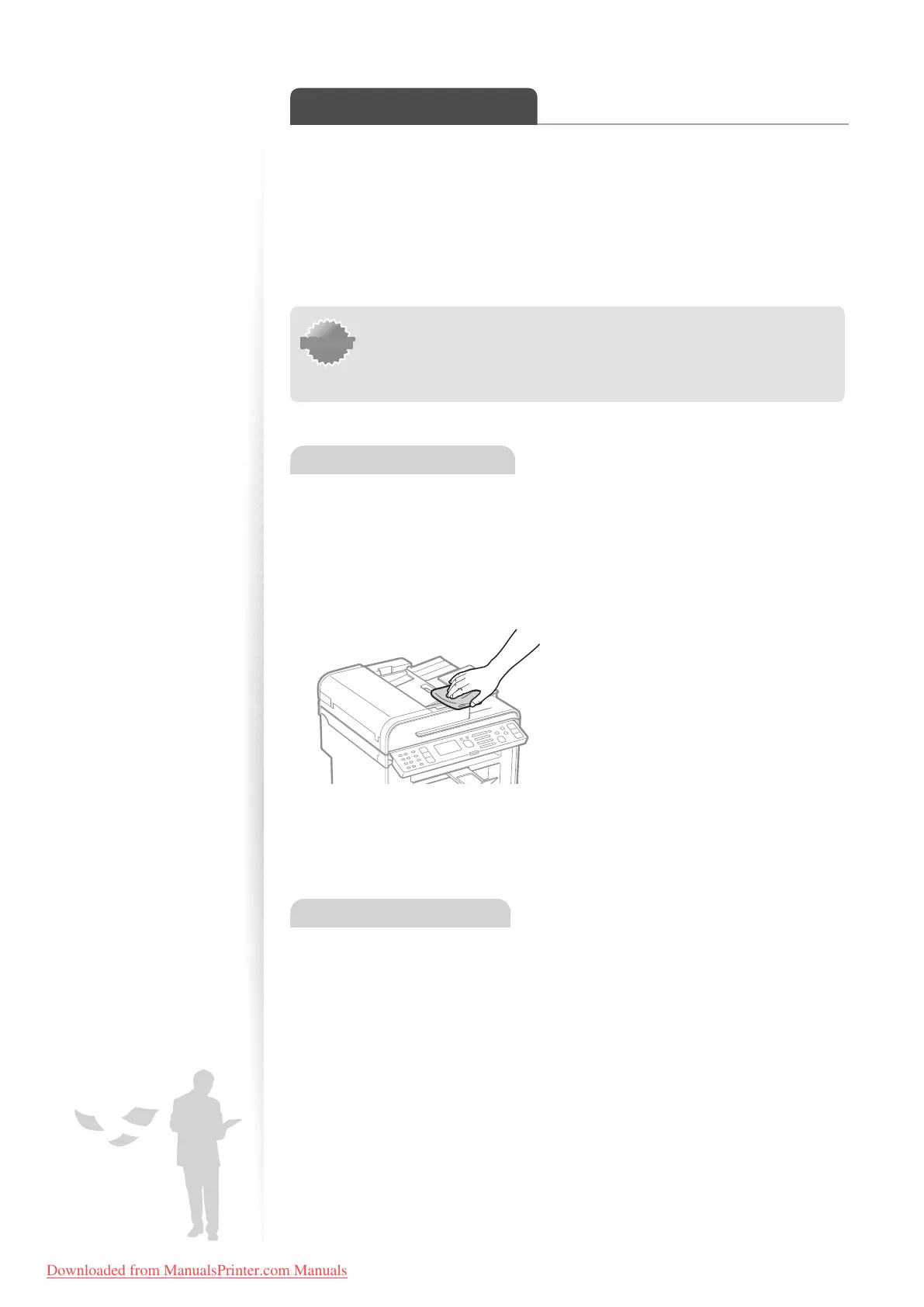
Cleaning the Exterior
1
Turn OFF the machine and disconnect all the cables from the machine.
2
Remove any documents from the platen glass or feeder.
3
Clean the exterior of the machine and ventilation slots with a soft, well
wrung-out cloth dampened with water or a mild detergent that has been
diluted with water.
4
Wait for the printer to dry completely.
5
Reconnect all the cables, and then turn ON the power.
Cleaning the Interior
1
Turn OFF the machine and disconnect all the cables from the machine.
2
Remove any documents from the platen glass or feeder.
3
Lift the scanning platform, open the toner cover, and then remove the
toner cartridge.
Downloaded from ManualsPrinter.com Manuals












 To Next Page