5
Copy
<ON>
<OFF>
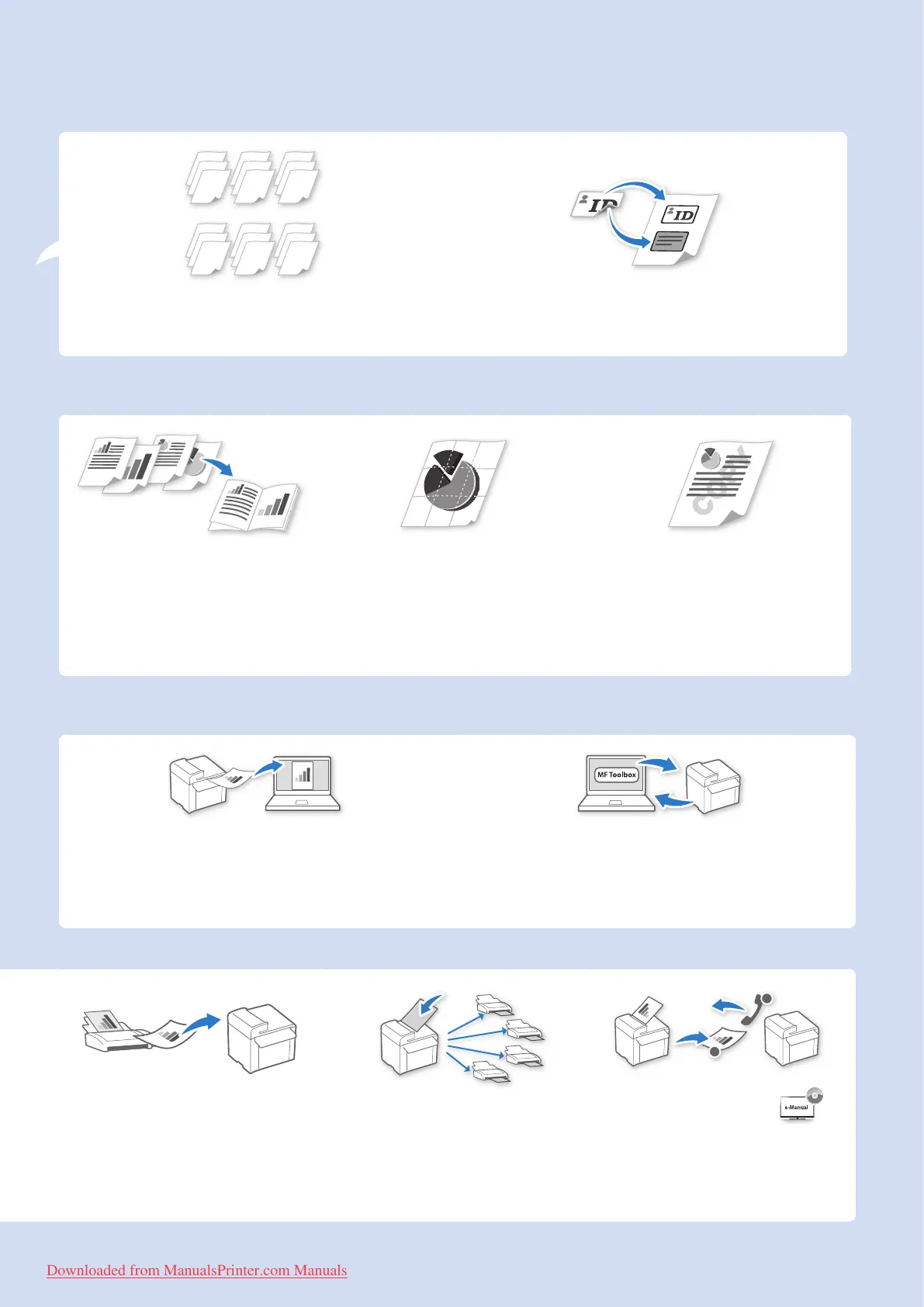
Collating Copies → P. 3 5
Collate copies when copying multiple documents.
Copying ID Card → P.3 6
Copy both sides of an ID card onto a single page.
Print
Booklet Printing* → P.4 3
• Combine two pages onto a single
page, and then print on both sides.
• Make a booklet by folding printouts
in half and binding.
Poster Printing → P. 4 4
• Magnify and divide a single-paged
image to print on multiple sheets of
paper.
• Make a poster by combining the
prints together.
Watermark Printing → P.4 5
Add watermarks, such as “COPY” or
“DRAFT”, to the document.
Scan
Scanning using the Operation Panel → P. 75
Select a computer to save scanned images in and scan
images directly from the operation panel.
Remote Scanning from Computers → P. 7 8
Set to use the remote scan from the machine, and then
scan images from a computer using the MF Toolbox.
Receiving in the Memory
→ P. 64
• Store received faxes in the memory.
• Print or forward the received fax after
con rming the sender.
Sequential Broadcasting
→ P.5 8
Send the same document to multiple
destinations at a time.
1
2
Polling Receiving →
Retrieve pre-loaded documents from
a sender’s fax machine.
* MF4890dw/MF4880dwonly
Downloaded from ManualsPrinter.com Manuals












 To Next Page