Chapter 4
4-5
4.3.4 Outer covers
0012-6361
a. Upper cover
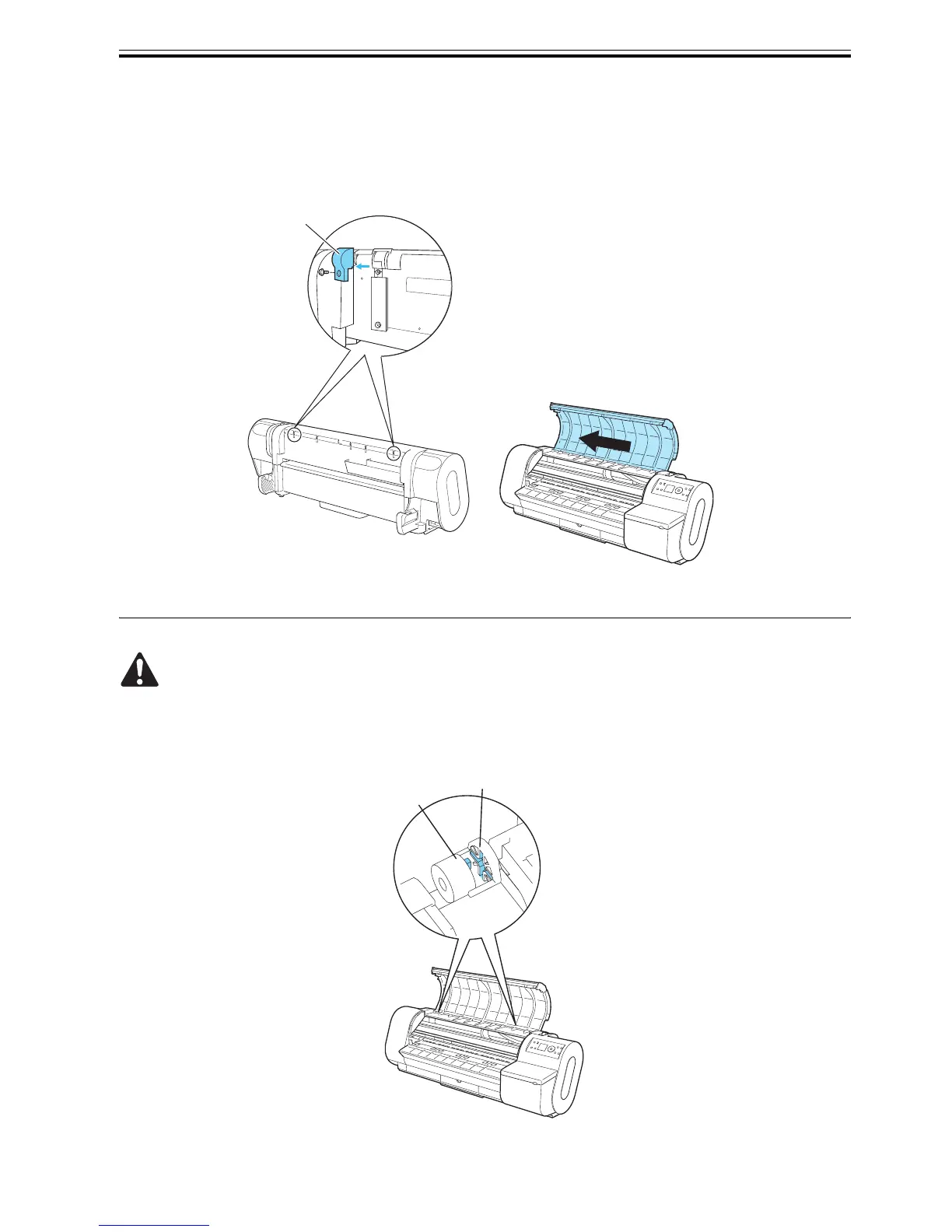
To detach the upper cover, detach damper cover [1] located on the left and right sides of the back each. Then,
fully open the upper cover and slide it to left
F-4-5
In attaching the upper cover, have the boss on damper [1] located on both sides into slit [2].
If the upper cover is not attached in correct position, it would slam shut without the damper being activated.
F-4-6
[1]
[1]
[2]


 To Next Page
 Loading...












