Installing the CAPT Software
3-5
Setting Up the Printing Environment
3
Installing from CD-ROM Setup
The screen shots used in this section are from Windows XP.
IMPORTANT
If you are using Windows 2000/XP/Server 2003/Vista, be sure to log on as a member of
Administrators when starting up.
1
Make sure that the printer and computer are OFF.
2
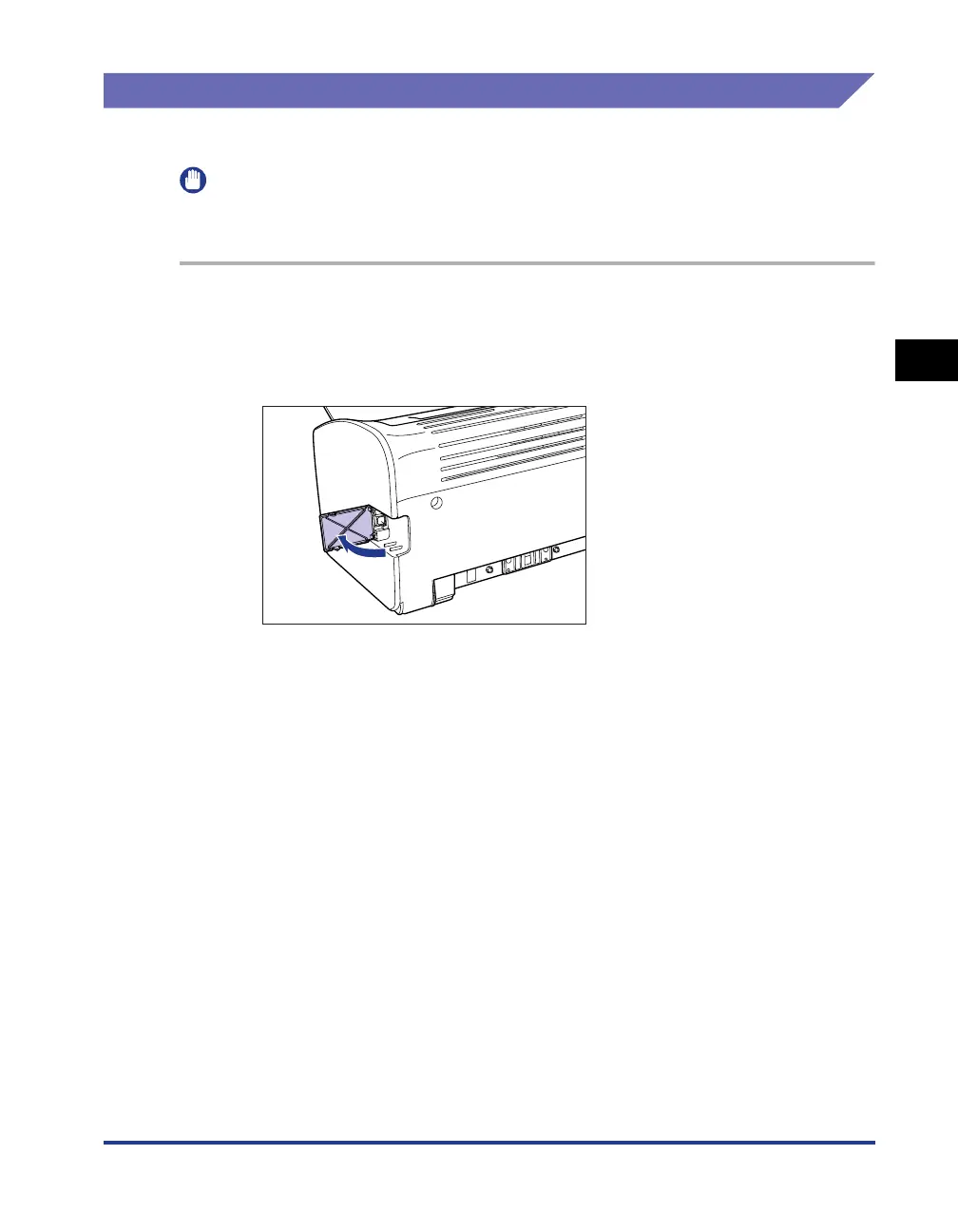
Open the USB cover.











 To Next Page