Printing on Envelopes
2-41
Loading and Delivering Paper
2
Selecting Printer Driver Settings and Printing
This section describes how to set the printer driver settings.
1
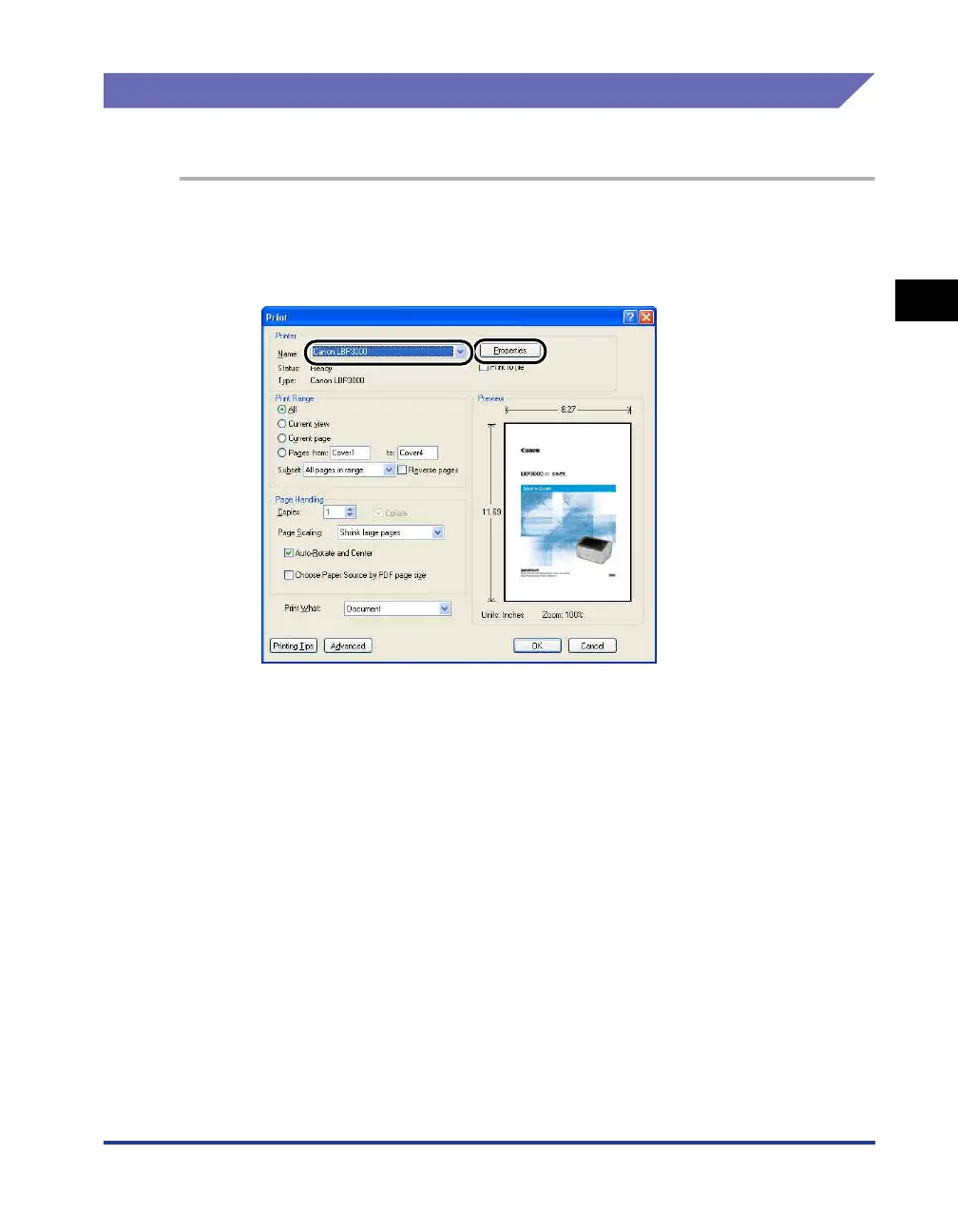
Select [Print] from the [File] menu in the application. Select
the name of your printer from the [Name] or [Printer Name]
field and click [Properties].
The [Properties] dialog box for the printer is displayed.











 To Next Page