Using the Printing Functions
4-37
Printing a Document
4
2
Specify the paper size in [Output Size].
3
Confirm the settings, then click [OK].
The scale factor will be set automatically depending on the sizes specified in
[Page Size] and [Output Size].
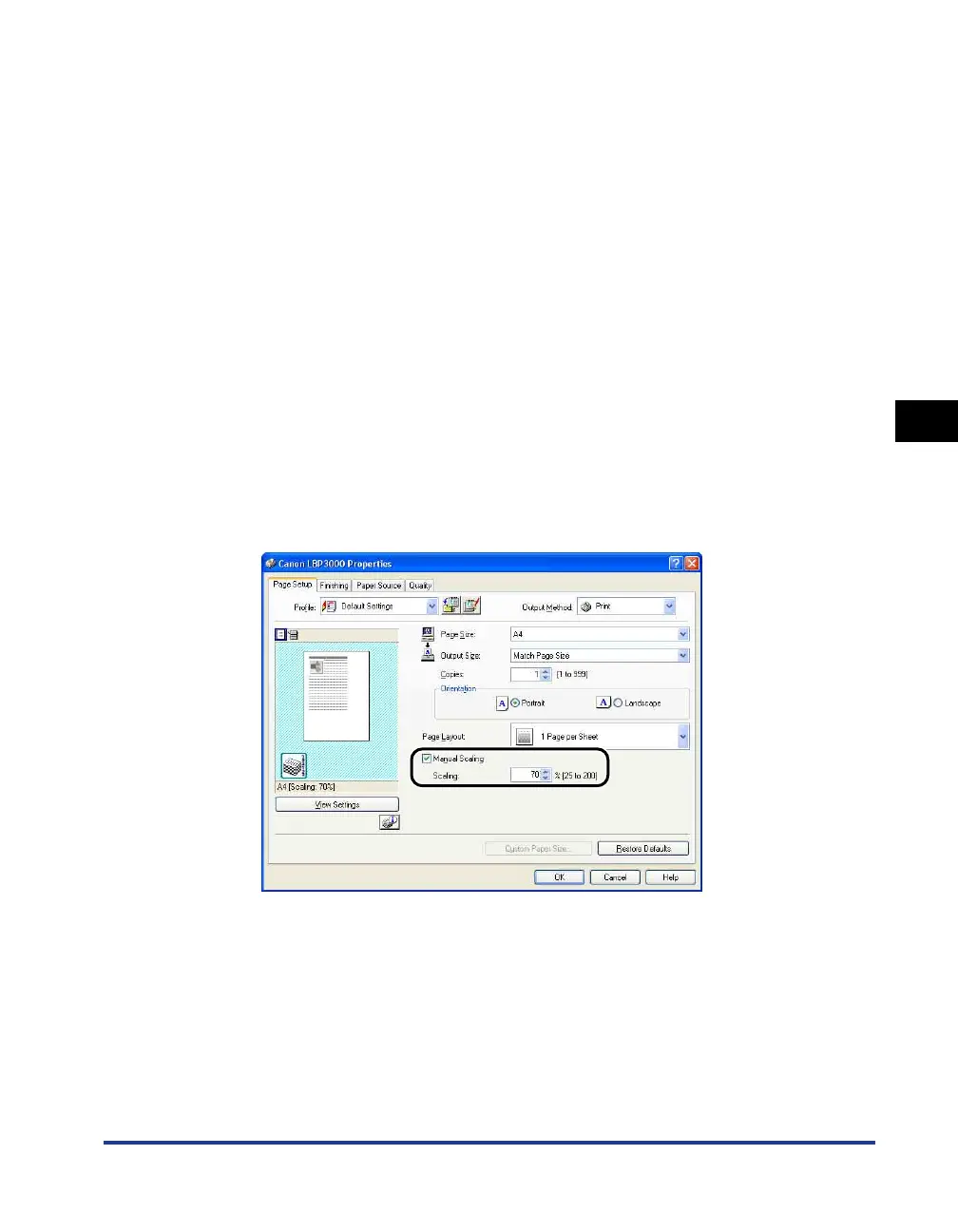
Scaling a Document Manually
1
Display the [Page Setup] sheet, and set the [Page Size]
setting.
2
Specify the paper size in [Output Size].
3
Place a checkmark next to [Manual Scaling], then enter the
scaling factor in the spin box.
4
Confirm the settings, then click [OK].











 To Next Page