Using the Printing Functions
4-41
Printing a Document
4
3
Click [Register].
NOTE
In Windows 98/Me, up to 30 custom paper sizes can be added. In Windows 2000/
XP/Server 2003/Vista, the number depends on your system environment.
4
Confirm the settings, then click [OK].
Specifying the Finishing Method
You can specify a variety of options for print processing.
1
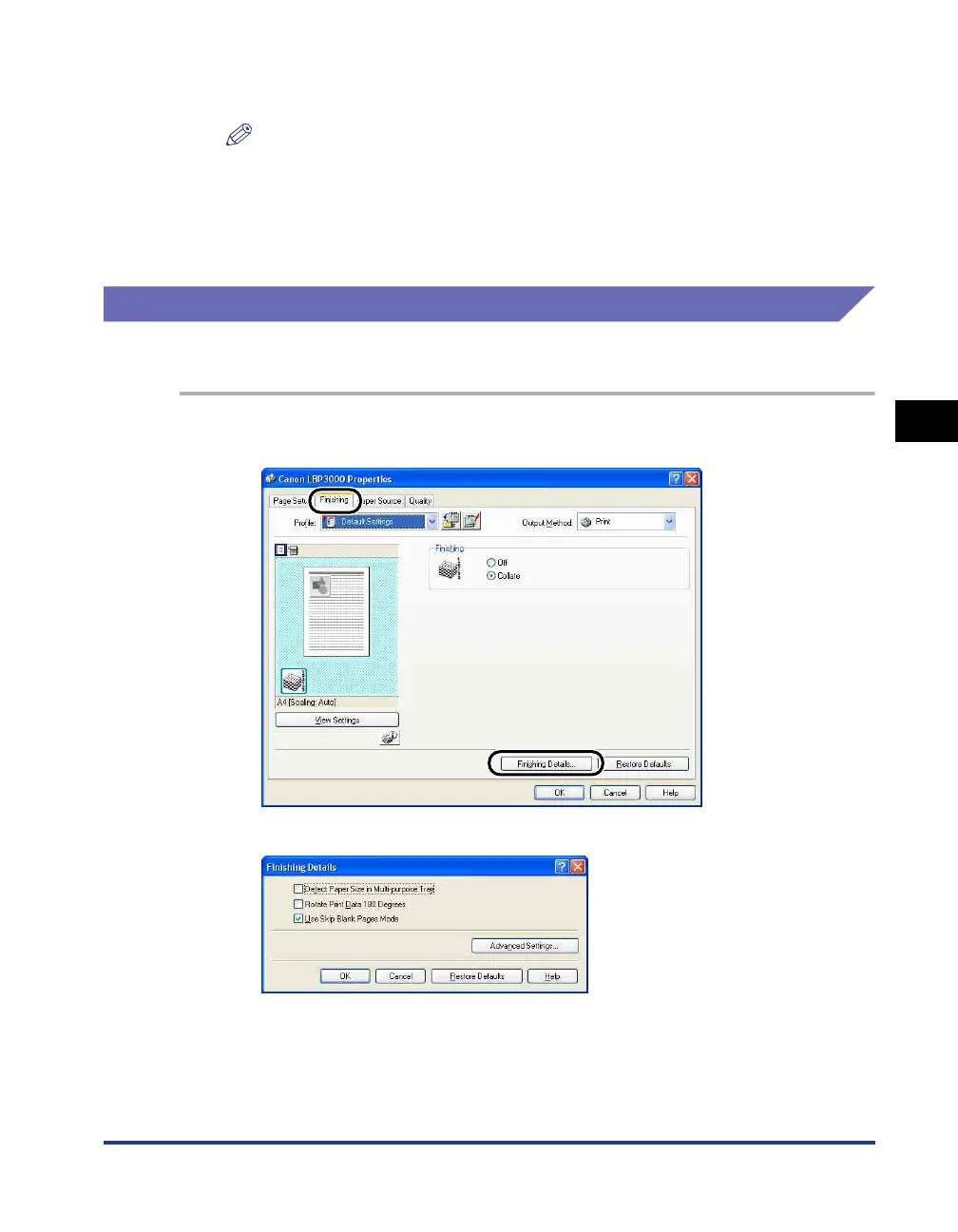
Display the [Finishing] sheet, then click [Finishing Details].
The [Finishing Details] dialog box is displayed.











 To Next Page