Using the Printing Functions
4-55
Printing a Document
4
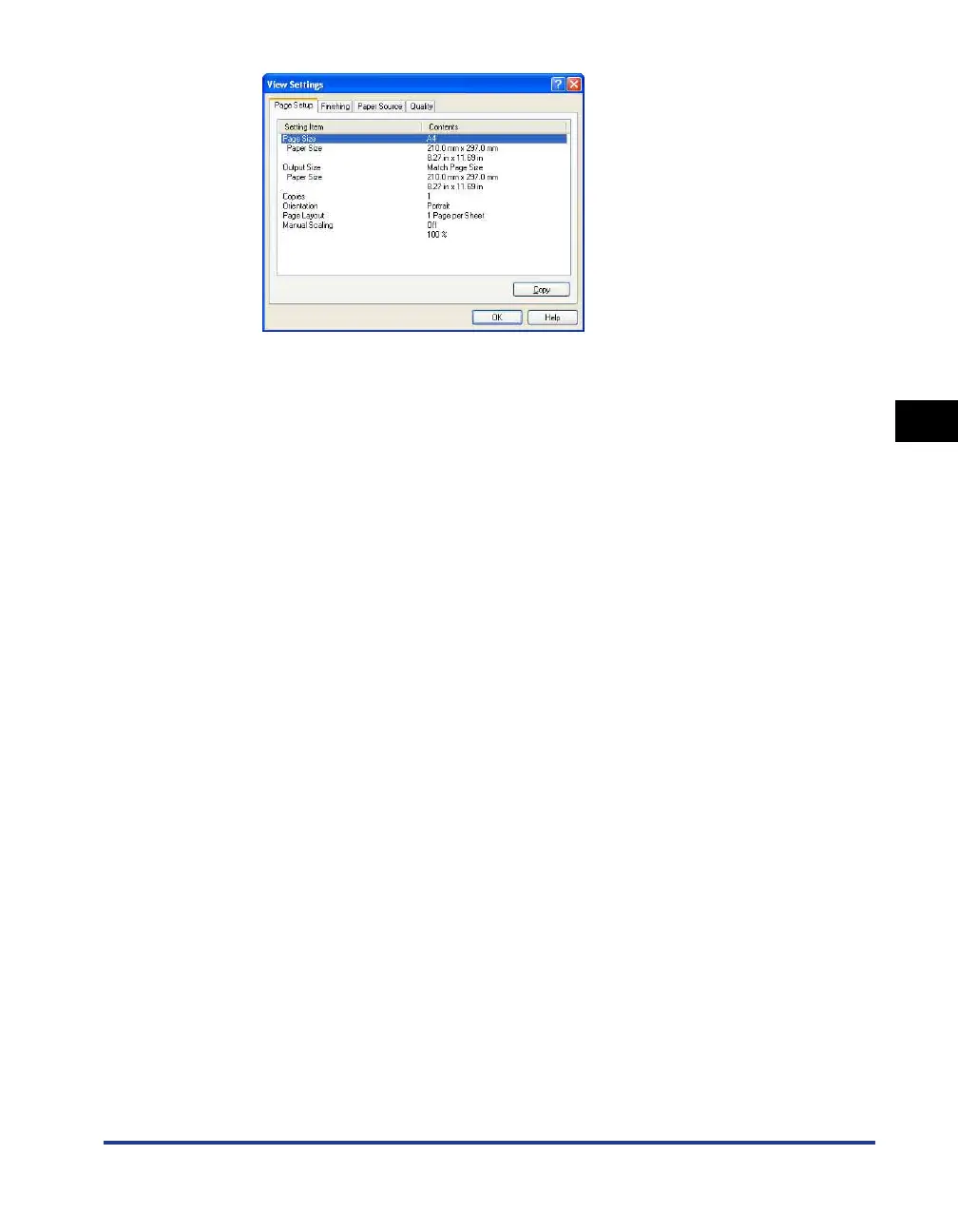
You can click on the [Page Setup], [Finishing], [Paper Source], [Quality], or
[Configuration]/[Device Settings] tabs to view a list of printing preferences for
each sheet.
2
Click [OK].
The previous sheet reappears.
Restoring the Default Settings
Click [Restore Defaults] to restore the printer settings to their default values.
The [Restore Defaults] button only restores to default the settings that are displayed
on the same sheet or dialog box as the button.
The settings in the [Page Setup], [Finishing], [Paper Source], [Quality] and
[Configuration]/[Device Settings] sheets cannot be restored all at once to the
default settings.











 To Next Page