Printing from a Network Computer using a Shared Printer
3-53
Setting Up the Printing Environment
3
For Windows 2000/XP/Server 2003/Vista
The screen shots shown in this section are taken from Windows XP Home Edition.
■ Preparing the Print Sharing Settings
1
Select [Control Panel] from the [Start] menu, then click
[Network and Internet Connections] ➞ [Network
Connections].
For Windows 2000: Select [Settings] ➞ [Network and Dial-up Connections] from
the [Start] menu.
For Windows Server 2003: From the [Start] menu, select [Control Panel] ➞
[Network Connections] ➞ [Local Area Connection] ➞ [Properties], and then
proceed to Step 3.
For Windows Vista: From the [Start] menu, select [Control Panel], and then click
[View network status and tasks] ➞ [Manage network connections].
For Windows 2000: The [Network and Dial-up Connections] folder is displayed.
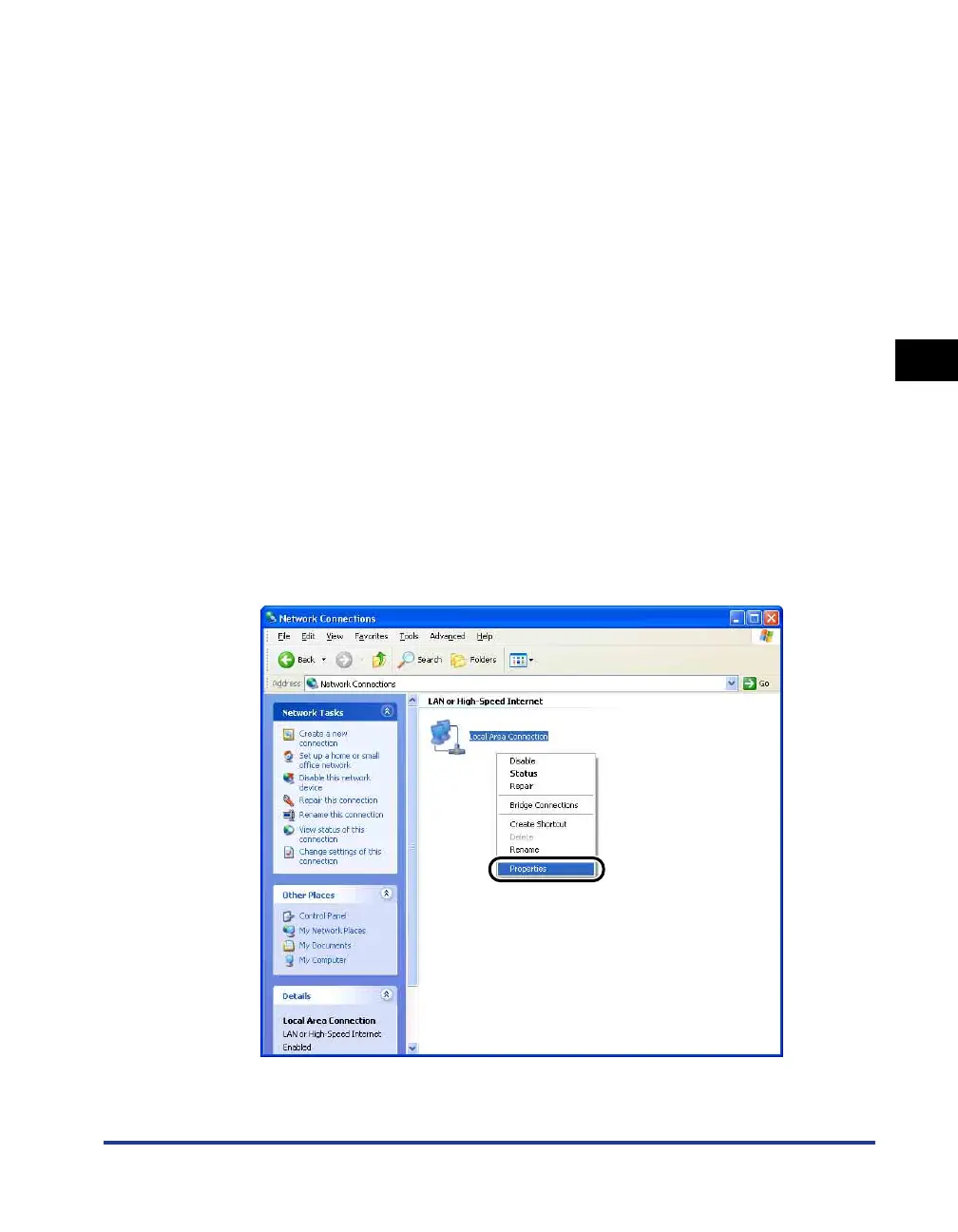
For Windows XP/Vista: The [Network Connections] folder is displayed.
2
Right-click the [Local Area Connection] icon, then select
[Properties] from the pop-up menu.
The [Local Area Connection Properties] dialog box appears.











 To Next Page