Specifying Printing Preferences
4-10
Printing a Document
4
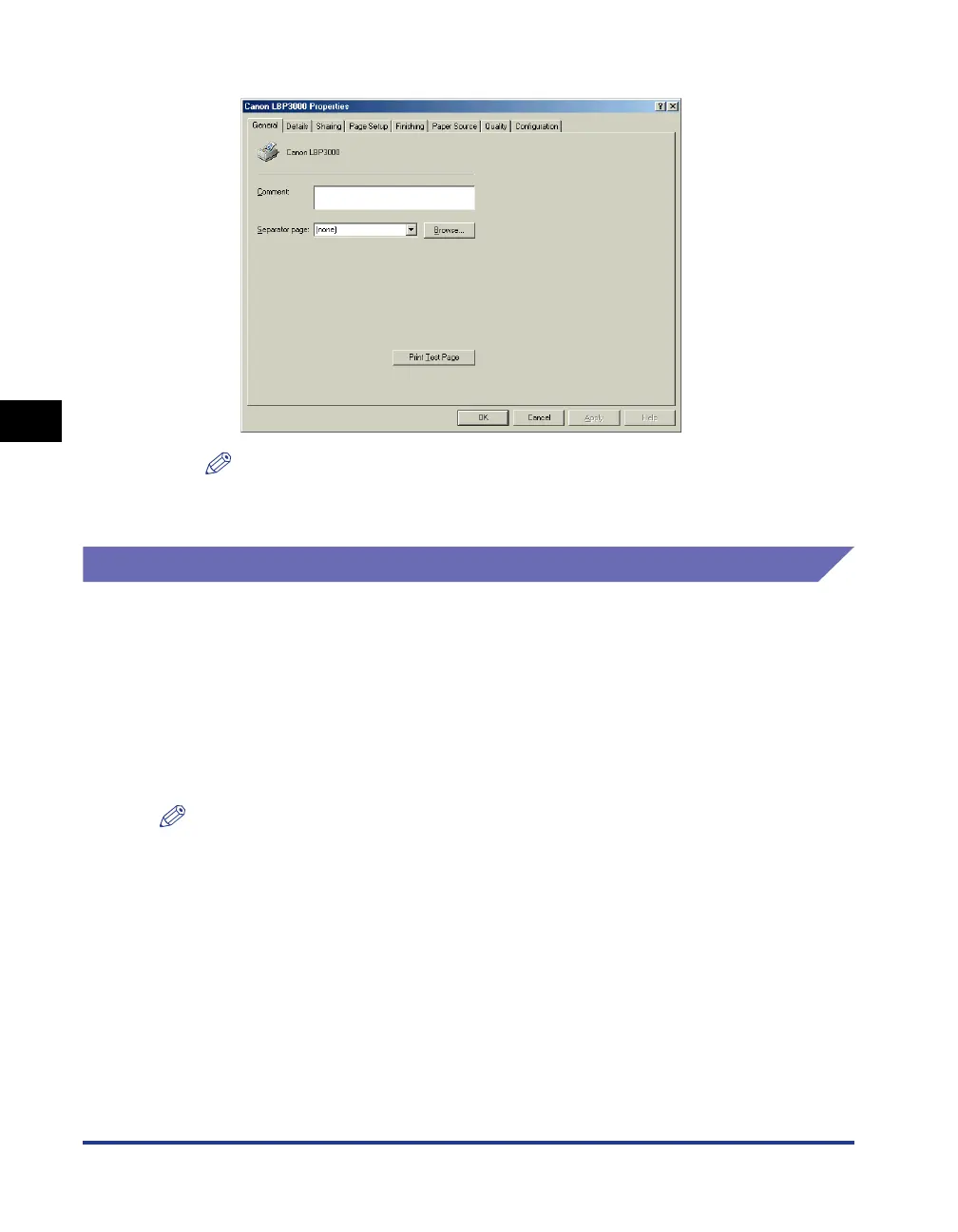
The [Printer Properties] dialog box is displayed.
NOTE
The [Printer Properties] dialog box can also be displayed by selecting the icon for
this printer and selecting [Properties] from the [File] menu.
For Windows 2000/XP/Server 2003/Vista
If you open the [Document Properties] dialog box from within an application, the
settings are only applicable to that particular print job.
If you open the [Document Properties] dialog box from the [Printers and Faxes] or
[Printers] folder, you can specify the default settings used by all print jobs.
If you open the [Printer Properties] dialog box from the [Printers and Faxes] or
[Printers] folder, you can configure printer options and create "Profiles" of frequently
used options.
NOTE
To change settings in the [Printers and Faxes] or [Printers] folders you need to have Full
Access Permissions. If you are unable to open the [Document Properties] dialog box
from within the [Printers and Faxes] or [Printers] folder, open it from within the
application.











 To Next Page