Installing the CAPT Software
3-12
Setting Up the Printing Environment
3
16
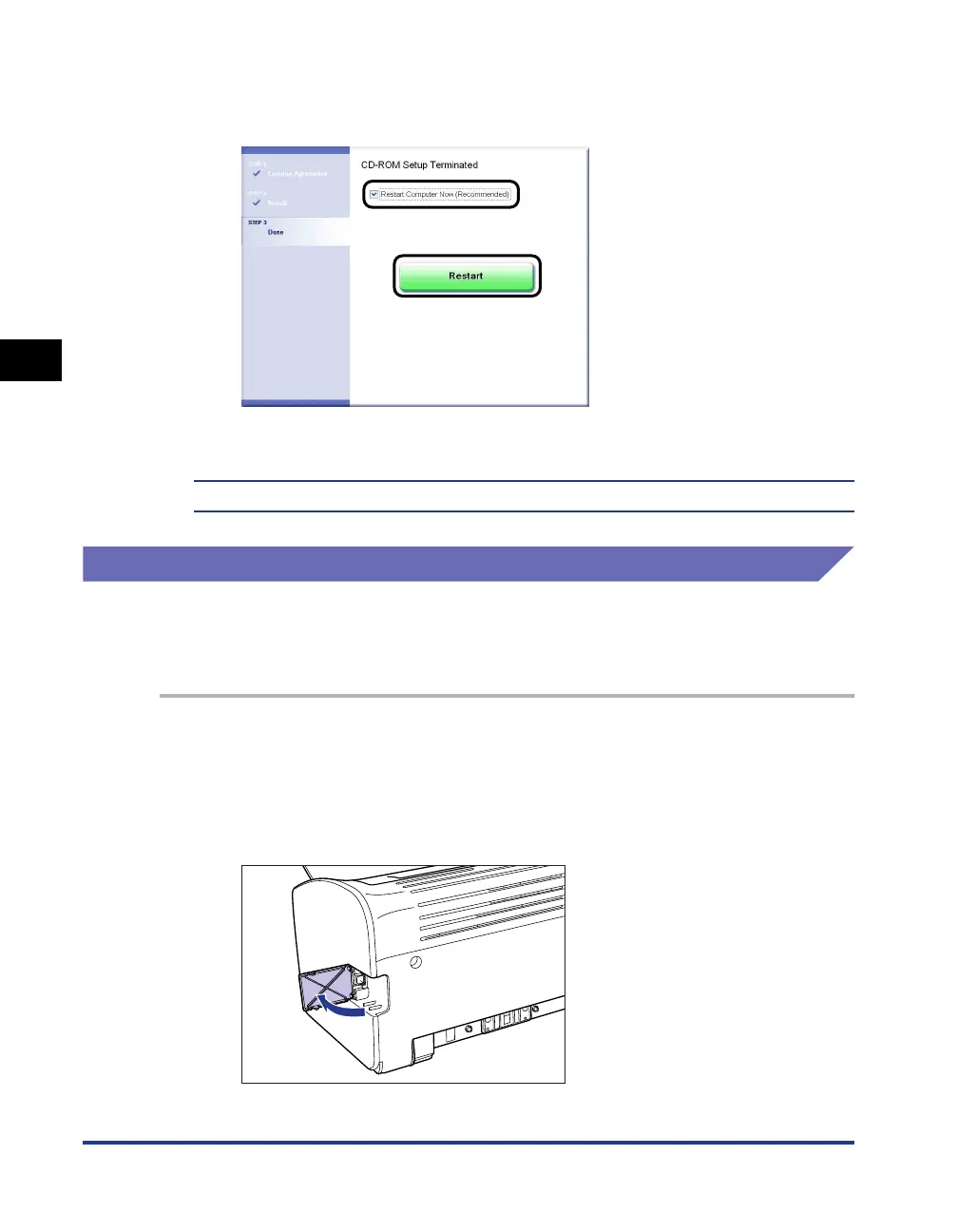
Select the [Restart Computer Now (Recommended)] check
box, then click [Restart].
Windows restarts.
The installation of the USB class driver and the printer driver is completed.
Installing with Plug and Play
For Windows 98/Me
The screen shots used in this section are from Windows Me.
1
Make sure that the computer and printer are turned off at the
power.
2
Open the USB cover.











 To Next Page