Installing the CAPT Software
3-11
Setting Up the Printing Environment
3
NOTE
•
If the printer is not recognized automatically even after the USB cable is connected,
see "Installation Problems," on p. 6-27.
•
If you are using Windows XP/Server 2003 and the [Hardware Installation] dialog
box appears, click [Continue Anyway].
•
If you are using Windows Vista and the [Windows Security] dialog box appears,
click [Install this driver software anyway].
14
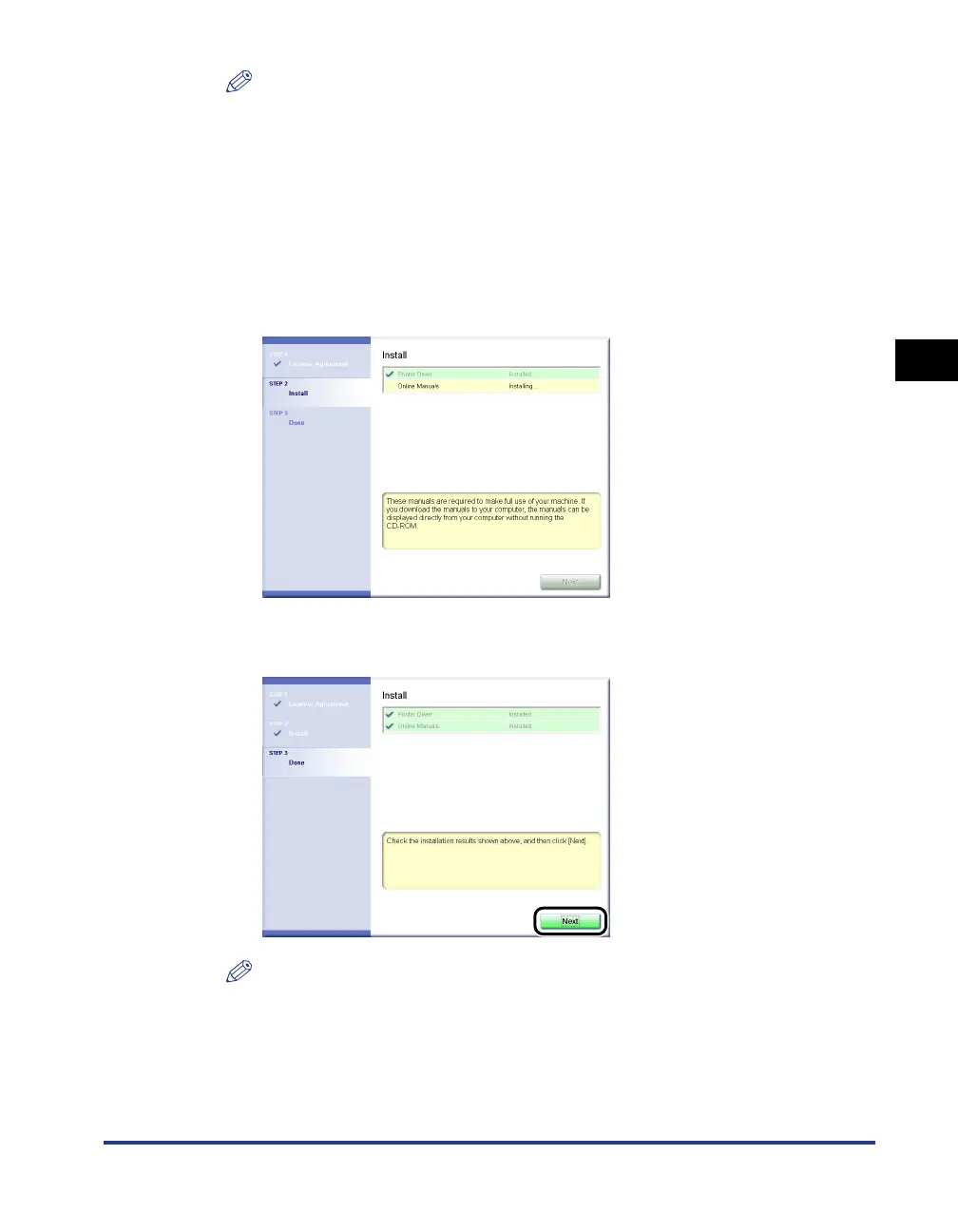
If [Easy Installation] is selected in Step 7, the manuals are
installed.
15
Confirm the installation results, then click [Next].
NOTE
If the printer driver is not installed properly, see "Installation Problems," on p. 6-27.











 To Next Page