Using the Printing Functions
4-31
Printing a Document
4
■ [Spooling at Host] (Windows 2000/XP/Server 2003/Vista only)
You can specify whether spooling is performed at the Host.
■ [Show Icon in the Taskbar] (See p. 4-63)
When this option is checked, an icon for displaying the Printer Status Window appears in
the Windows Taskbar.
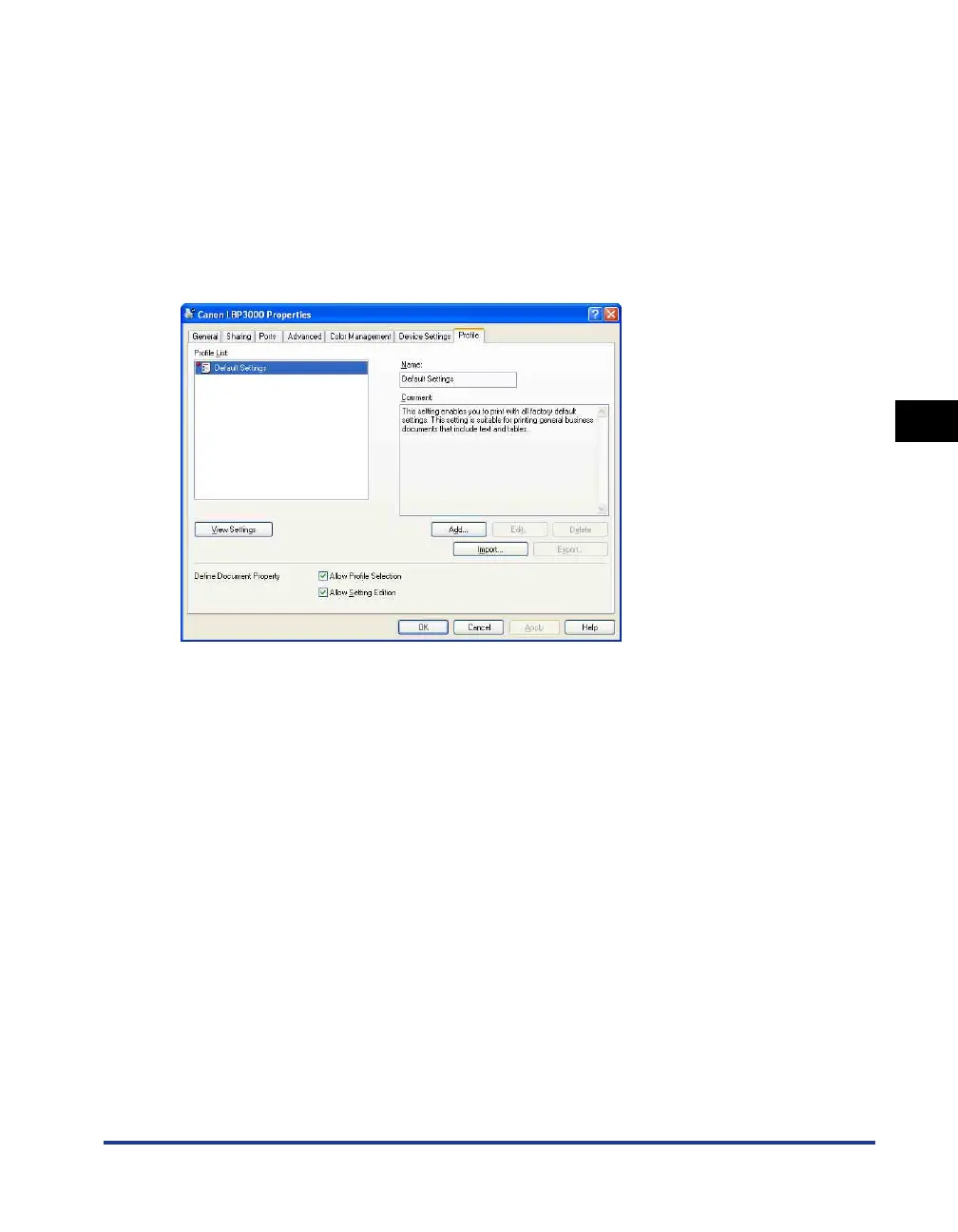
[Profile] Sheet (Windows 2000/XP/Server 2003/Vista only)
This sheet allows you to create and add new Profiles and to edit existing Profiles.
■ [Profile List]
Lists the available Profiles.
■ [Name]
Displays the name of the Profile selected in the [Profile List].
■ [Comment]
Displays a comment about the Profile selected in [Profile List].
■ [Add] (See p. 4-48)
Click [Add] to open the dialog box shown below.











 To Next Page