Using the Printing Functions
4-32
Printing a Document
4
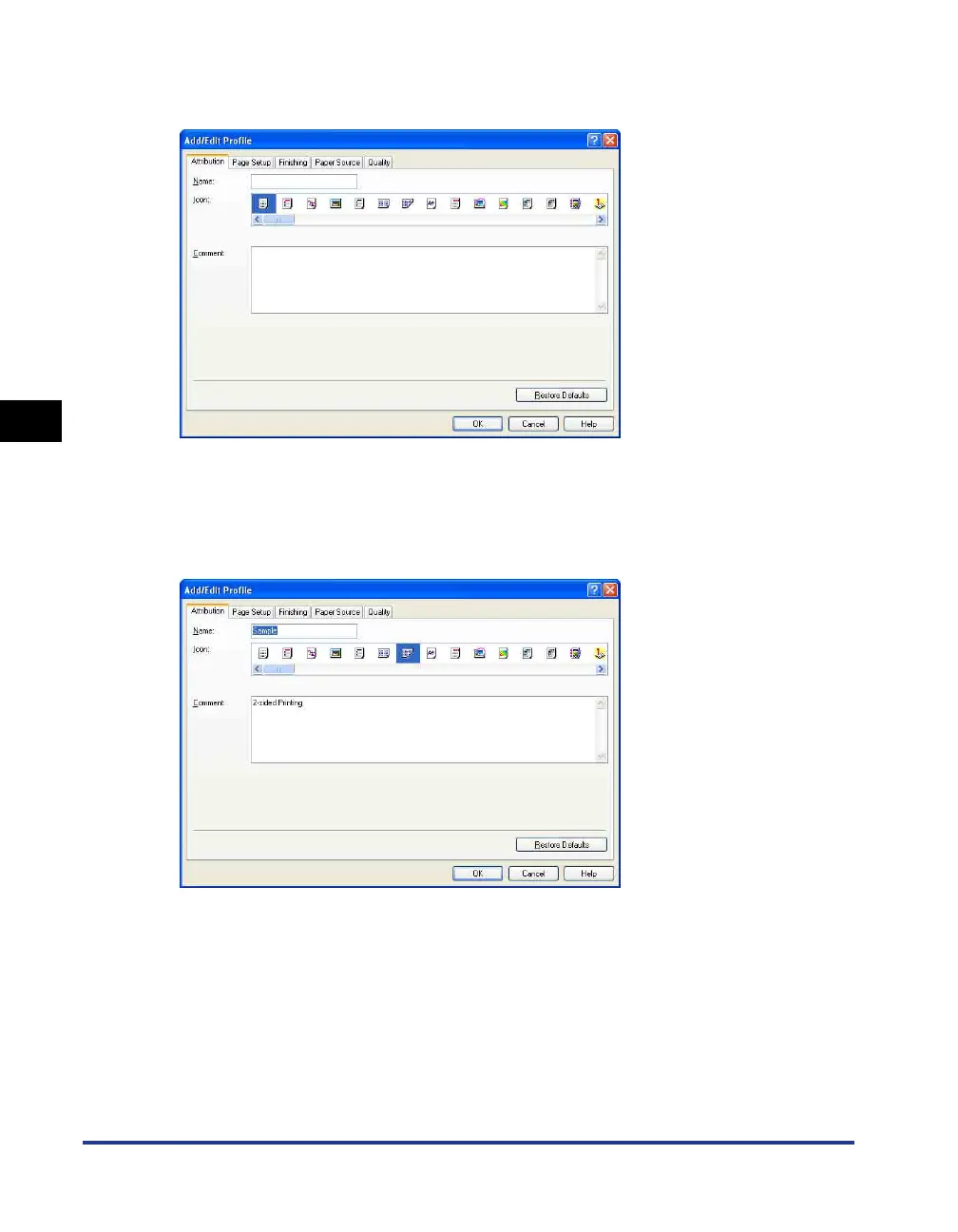
This dialog box allows you to enter the [Name], [Icon], [Comment], and printing
preferences for a newly added Profile or a Profile that you are editing.
■ [Edit] (See p. 4-50)
Click [Edit] to open the dialog box shown below.
This dialog box allows you to enter the [Name], [Icon], [Comment], and printing
preferences for a newly added Profile or a Profile that you are editing.
■ [Delete] (See p. 4-50)
Allows you to delete an added Profile.
■ [Import] (See p. 4-50)
Allows you to import a Profile saved as a file and add it to the printer driver.
■ [Export] (See p. 4-51)
Allows you to save an added or edited Profile as a file.











 To Next Page