Installing the CAPT Software
3-21
Setting Up the Printing Environment
3
21
Click [Finish].
Windows will begin copying files.
22
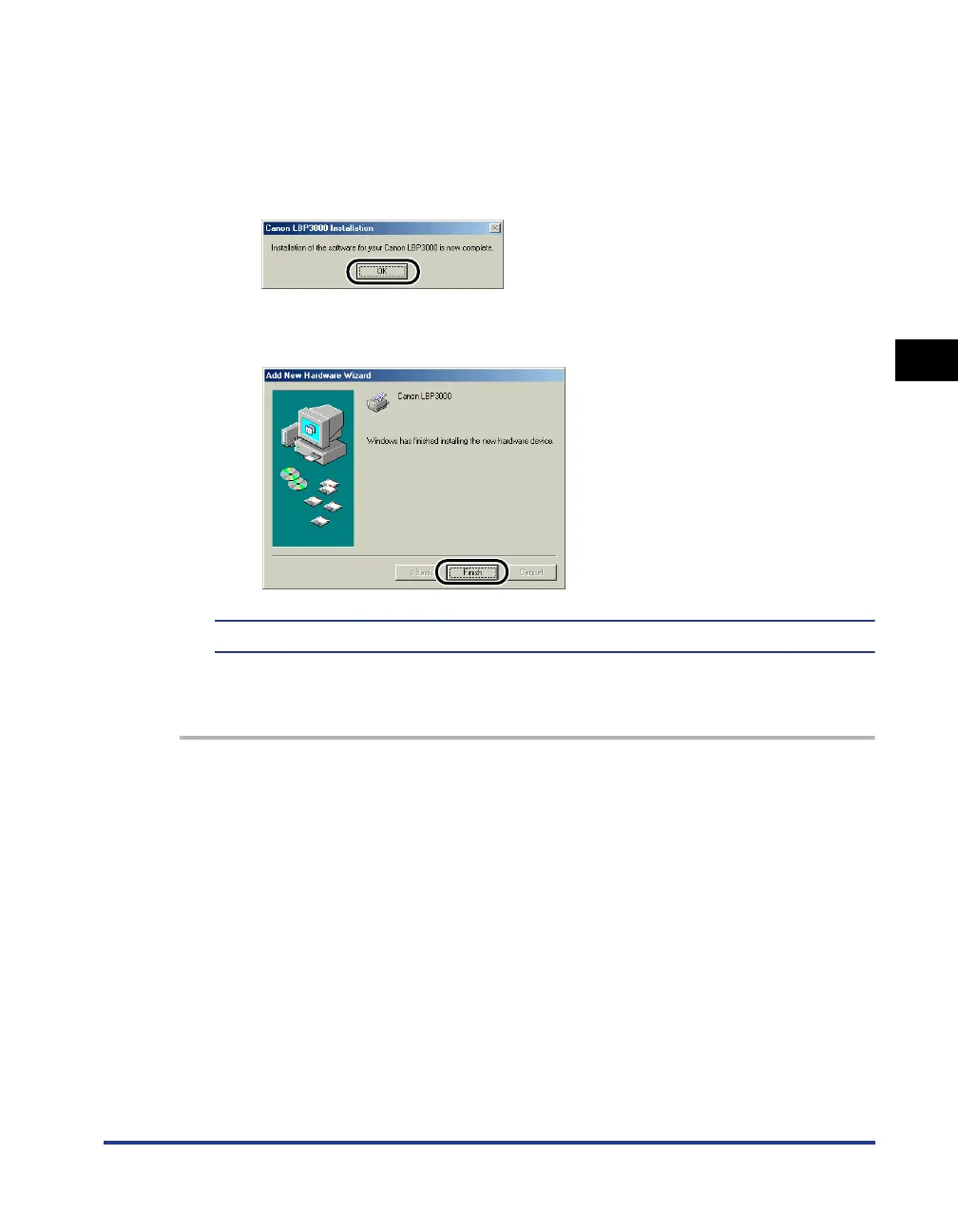
Once the installation complete dialog is displayed, click [OK].
23
Click [Finish].
This completes the installation of the USB class driver and printer driver.
For Windows 2000
1
Make sure that the computer and printer are turned off at the
power.











 To Next Page