Using the Printing Functions
4-36
Printing a Document
4
NOTE
The options in the [Page Order] drop-down list differ depending on the paper
orientation and the number of pages to be printed on each sheet.
4
Confirm the settings, then click [OK].
Scaling Printer Output
You can choose to scale your document if [Page Layout] is set to [1 Page per
Sheet].
The scale factor is automatically adjusted if the [Page Size] and [Output Size]
settings are different.
However, the scale factor can also be specified manually.
You can specify a scaling factor of between 25 and 200%.
Scaling a Document Automatically
1
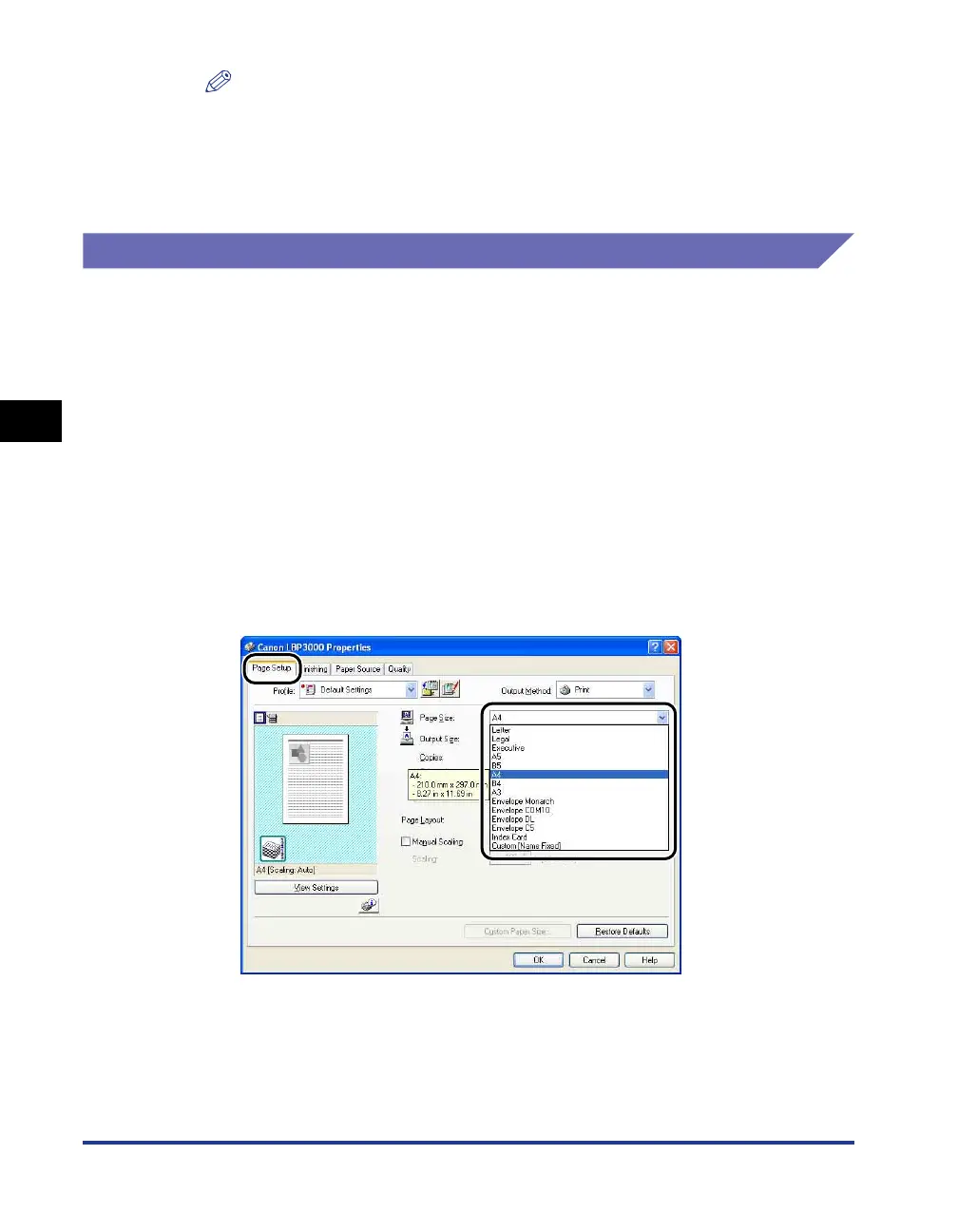
Display the [Page Setup] sheet, and set the [Page Size]
setting.











 To Next Page