Printing on Plain Paper, Heavy Paper, Label Paper, and Transparencies
2-15
Loading and Delivering Paper
2
Loading Paper into the Multi-Purpose Tray
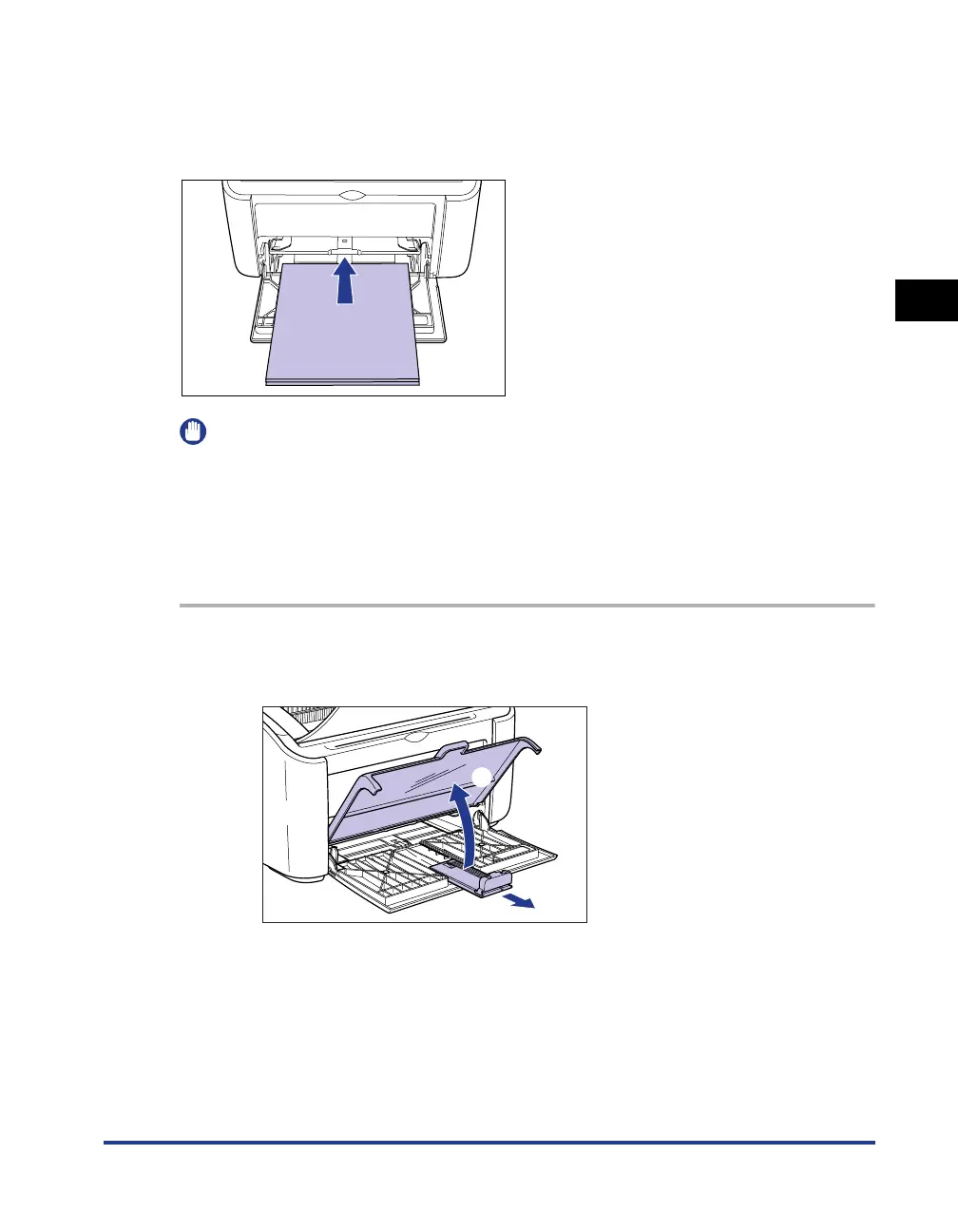
Use the following procedure to load paper into the multi-purpose tray.
Always load paper lengthways into the multi-purpose tray.
IMPORTANT
•
Do not touch or pull paper out of the multi-purpose tray during printing. Doing so may
cause the printer to malfunction.
•
If you are refilling the multi-purpose tray when there is still paper in the tray, take out the
remaining paper and align it properly with the new paper before loading it into the tray.
•
Use the paper capacity for each type of paper as a guide to the number of sheets of
paper that can be printed continuously.
1
Open the tray cover up to the position where it stops a, and
then pull out the rear paper guide
b.
a
b











 To Next Page