Replacing the Toner Cartridge
5-14
Routine Maintenance
5
7
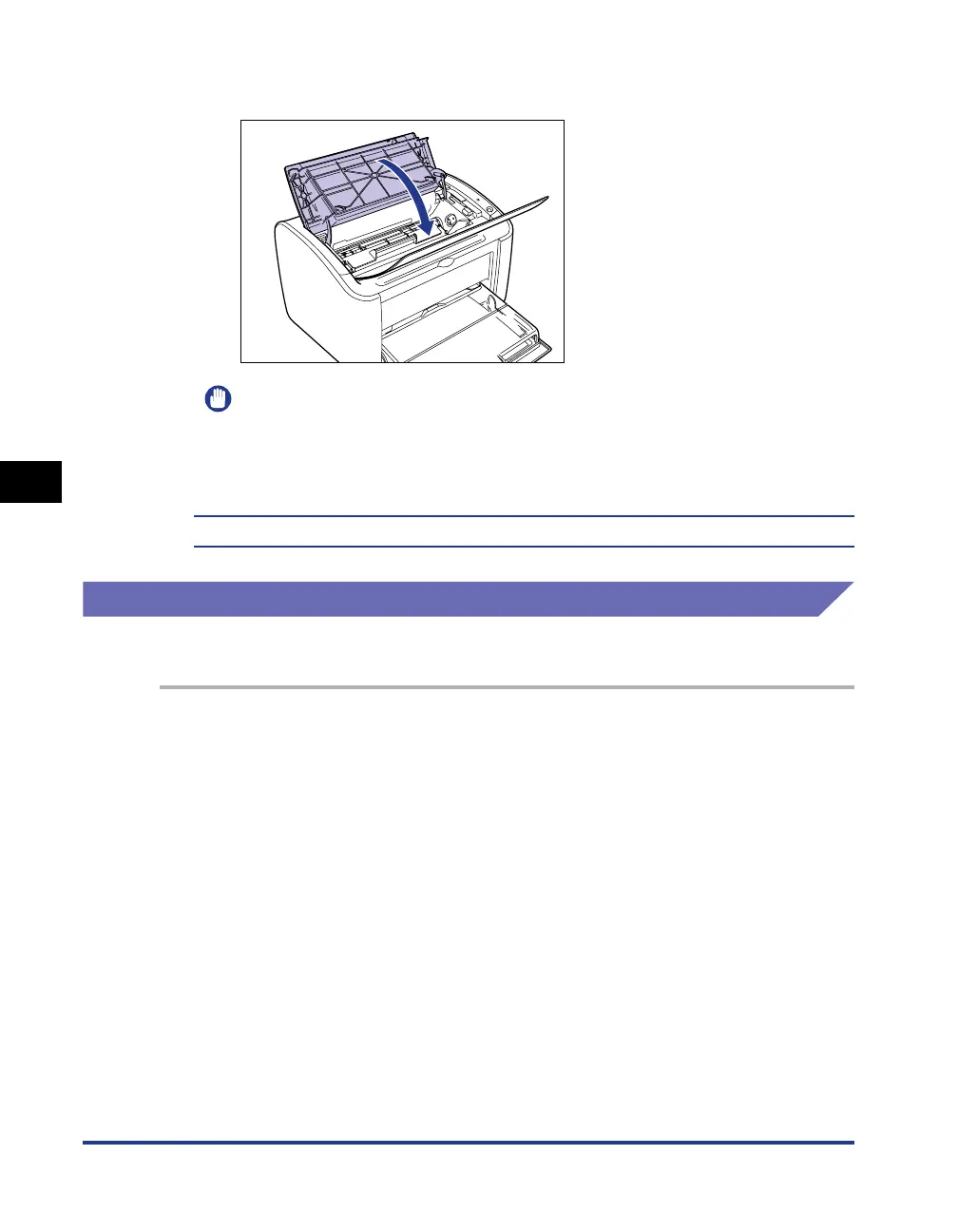
Close the top cover.
IMPORTANT
•
If you cannot close the top cover, check that the toner cartridge is installed properly
in the printer. If you close the top cover forcefully, the printer may be damaged.
•
Do not leave the top cover open for a long time after installing the toner cartridge.
You should now clean the printer. (See "Cleaning," on p. 5-14)
Cleaning
You should clean the printer after you replace the toner cartridge.
1
Load a sheet of A4 (or Letter) size white paper into the
multi-purpose tray or manual feed tray.
To load A4 (or Letter) size paper, refer to "Printing on Plain Paper, Heavy Paper,
Label Paper, and Transparencies," on p. 2-14.











 To Next Page