Windows Firewall
7-12
Appendix
7
NOTE
You cannot click [Block] if the firewall is already configured to block communication
with client computers.
5
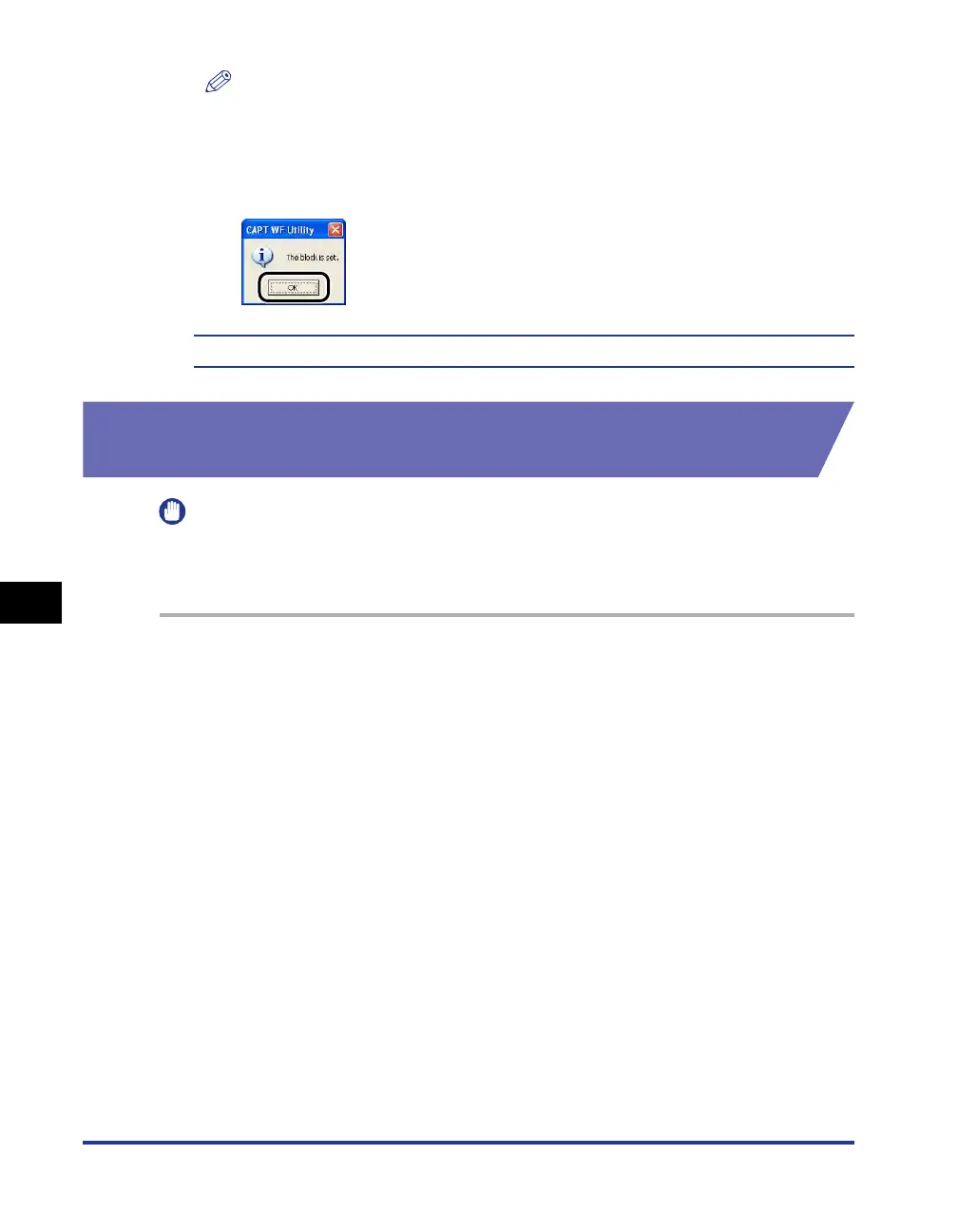
Click [OK].
Windows Firewall is now configured to block communication with client computers.
Configuring Windows Firewall to unblock communication
with the server
IMPORTANT
If you do not configure the following settings on the client computers, the printer status
may not be displayed correctly in the Printer Status Window and some functions may not
operate properly.
1
Display the [Windows Firewall] ([Windows Firewall Settings]
for Windows Vista) dialog box.
For Windows XP: From the [Start] menu, select [Control Panel], and then click
[Network and Internet Connections]
➞
[Windows Firewall].
For Windows Server 2003: From the [Start] menu, select [Control Panel]
➞
[Windows Firewall].
For Windows Vista: From the [Start] menu, select [Control Panel], and then click
[Allow a program through Windows Firewall]. (If the [User Account Control]
dialog box appears, click [Continue].)











 To Next Page