Printing on Custom Paper Sizes (Non-Standard Sizes)
2-51
Loading and Delivering Paper
2
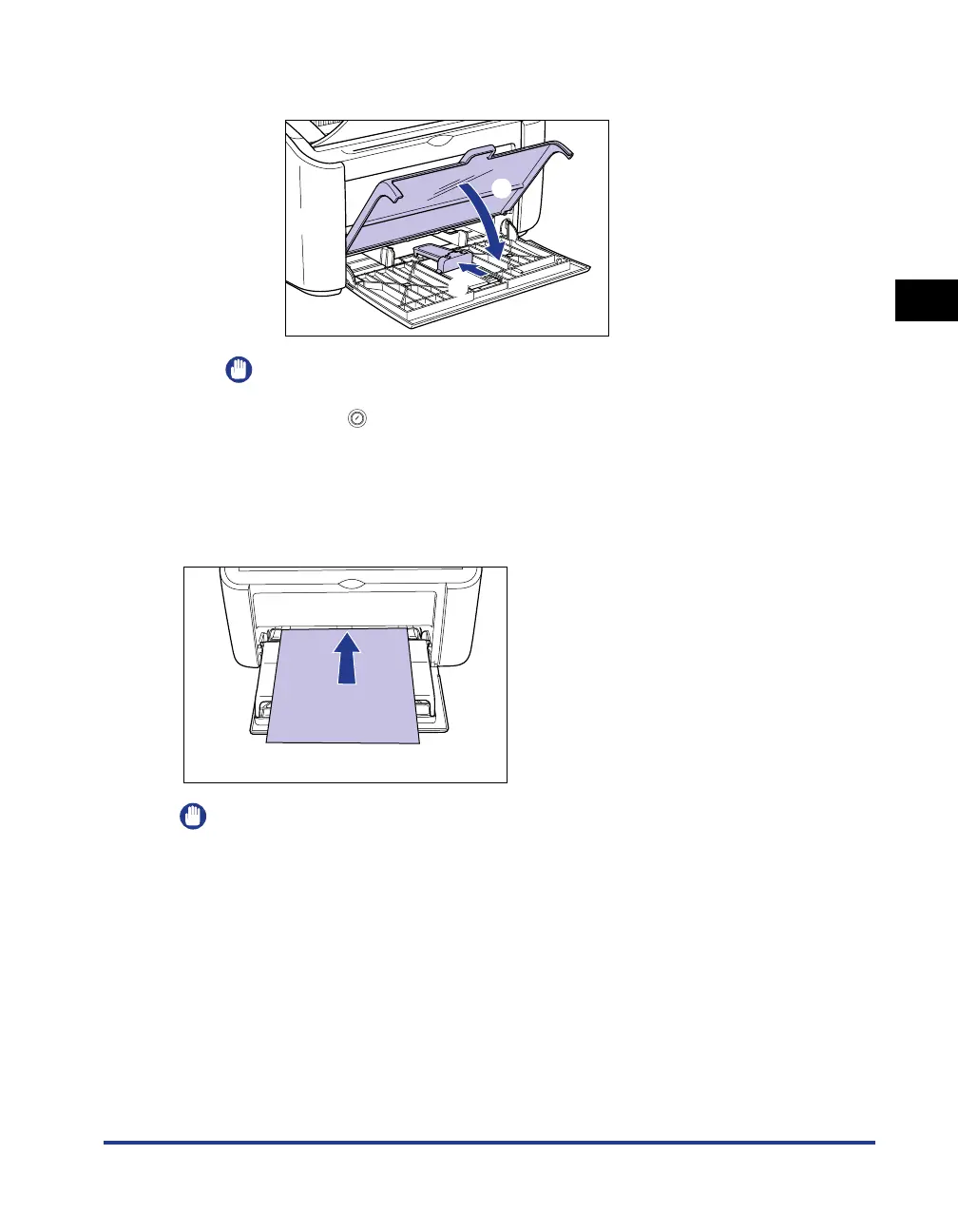
❑ Slide the rear paper guide a to align the small paper guide with the paper, and
close the tray cover b.
IMPORTANT
If you run out of paper and then refill the paper tray, the Paper Indicator will flash.
Press the (Paper Key) to resume printing.
Loading Custom Paper into the Manual Feed Tray
Use the following procedure to load custom paper into the manual feed tray.
Always load custom paper lengthways into the manual feed tray.
IMPORTANT
•
You can only load a single sheet of paper in the manual feed tray.
•
You cannot print from the manual feed tray if the printer settings are set to multiple copies
or multiple pages. If you start a print job set for multiple copies or multiple pages, the
second and subsequent sheets will feed from the multi-purpose tray regardless of the
paper size and paper type.
•
Do not touch or pull paper out of the manual feed tray during printing. Doing so may
cause the printer to malfunction.
a
b











 To Next Page