Printing from an Application
4-2
Printing a Document
4
Printing from an Application
After installing the CAPT software, you can now print jobs on the printer.
This section describes the procedure for printing from an application, taking Adobe
Reader 6.0 as an example.
1
Load paper in the multi-purpose tray or manual feed tray.
NOTE
If you are printing on plain paper, heavy paper, label paper, or transparencies, refer
to "Printing on Plain Paper, Heavy Paper, Label Paper, and Transparencies," on p.
2-14; if you are printing on index card, refer to "Printing on Index Card," on p. 2-27;
if you are printing on envelopes, refer to "Printing on Envelopes," on p. 2-34; and if
you are printing on custom paper, refer to "Printing on Custom Paper Sizes
(Non-Standard Sizes)," on p. 2-45.
2
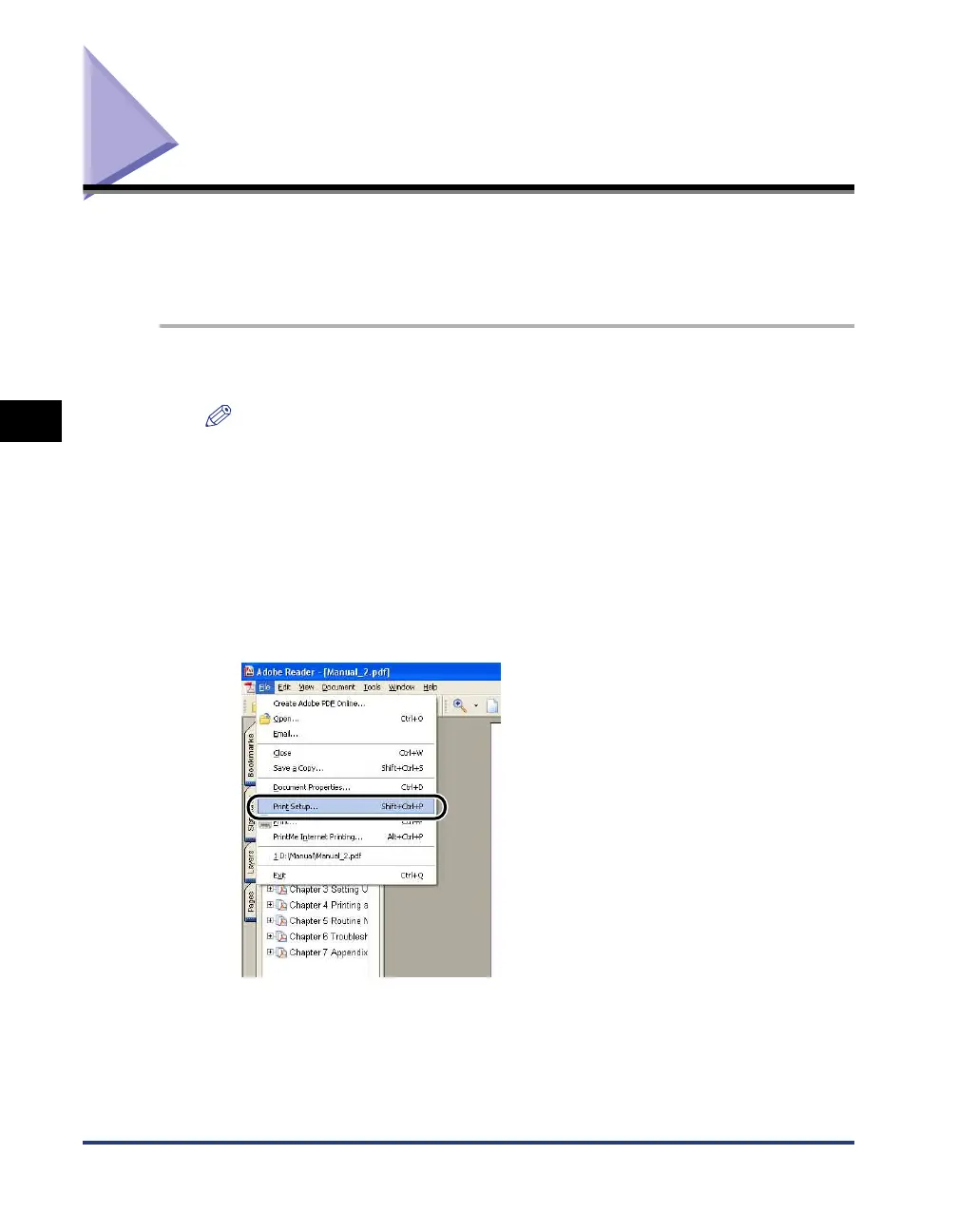
Open the PDF file to print with Adobe Reader, and then select
[Print Setup] from the [File] menu.











 To Next Page