Using the Printing Functions
4-23
Printing a Document
4
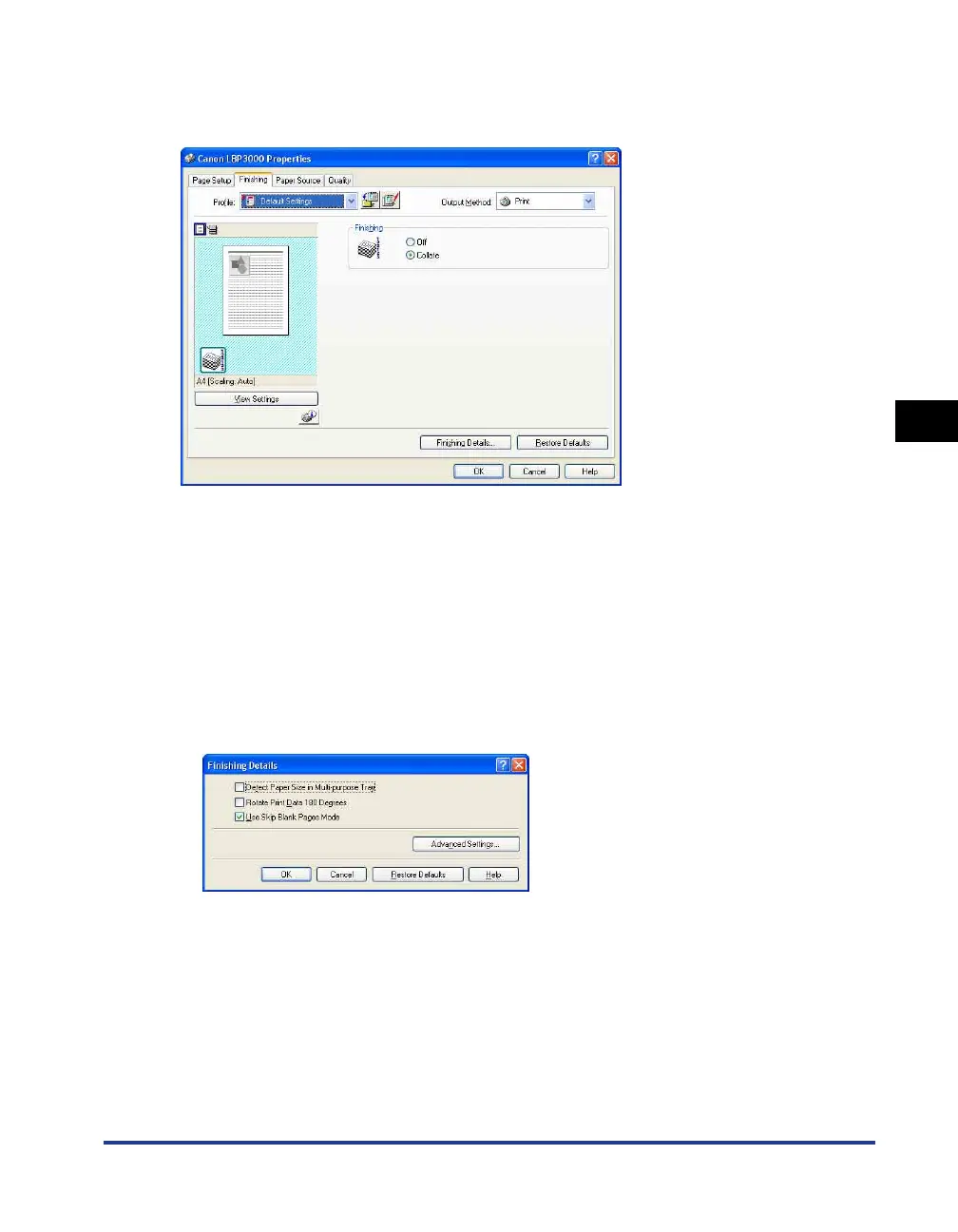
[Finishing] Sheet
The [Finishing] sheet allows you to specify the following printing preferences:
■ [Finishing]
You can select the method of finishing the document from the following options:
• Off: Each page is printed repeatedly to give the desired number of copies.
• Collate: The entire document is printed repeatedly to produce the desired number of
copies.
■ [Finishing Details] (See p. 4-41)
Click [Finishing Details] to display the following dialog box.
This dialog box allows you to specify the various options for job processing.
■ [Advanced Settings] (See p. 4-42)
Click [Advanced Settings] in the [Finishing Details] dialog box to open the following dialog
box.











 To Next Page