Using the Printing Functions
4-48
Printing a Document
4
Adding a Profile
1
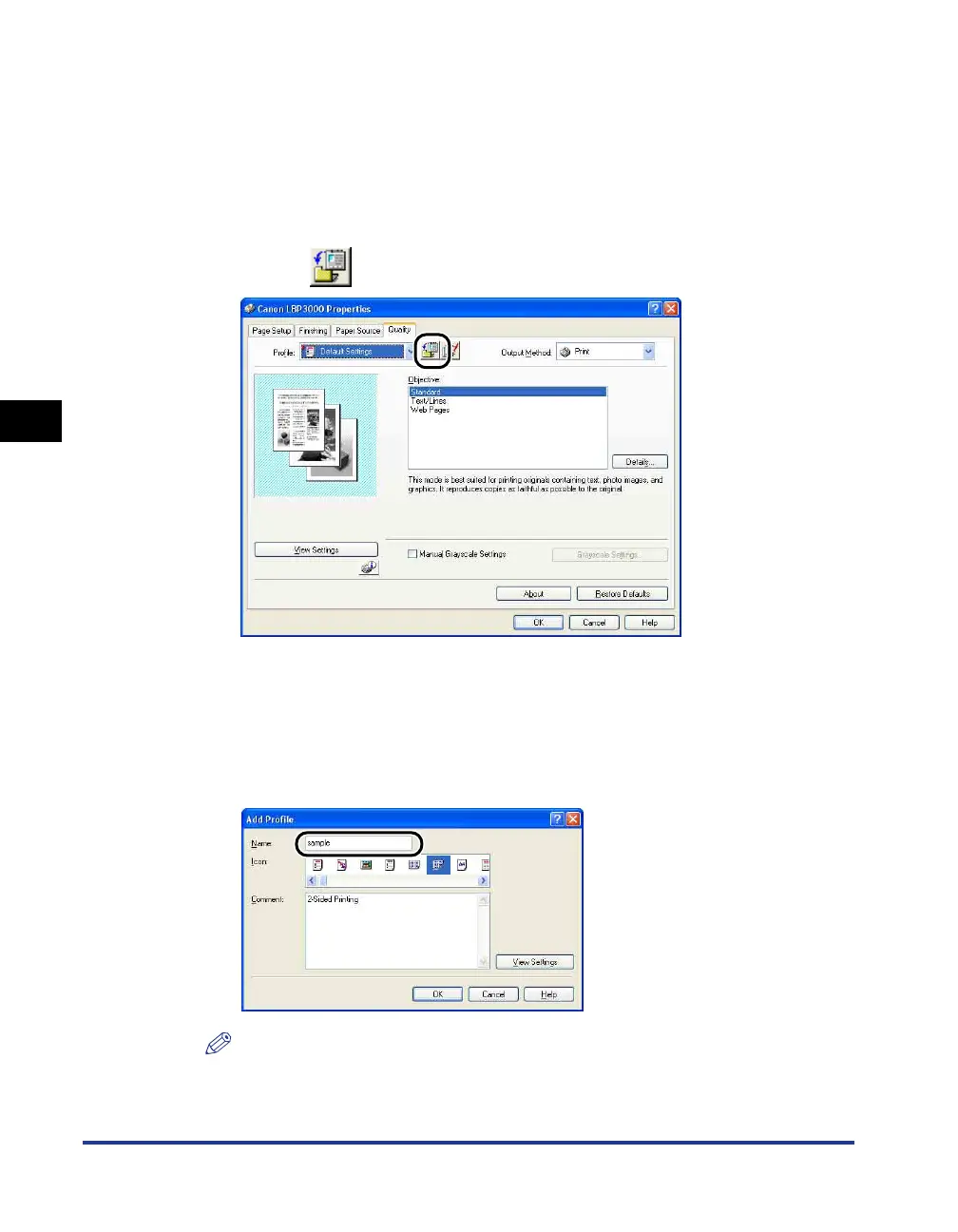
Configure the printer settings that you want to register using
each of the [Page Setup], [Finishing], [Paper Source], and
[Quality] sheets.
2
Click [ ] (Add Profile).
The [Add Profile] dialog box is displayed.
3
Enter the name of the Profile in the [Name] field.
You can select an icon for the profile using the [Icon] setting. If you have any
notes you want to make about the profile, enter them in the [Comment] field.
NOTE
You can enter up to 31 characters in the [Name] field and 255 characters in the
[Comment] field.











 To Next Page