Printing from a Network Computer using a Shared Printer
3-48
Setting Up the Printing Environment
3
If you want to use a print server, perform the following steps.
NOTE
Using this printer on your network requires that both the print server and clients should
be using Windows 98/Me or Windows 2000/XP/Server 2003/Vista.
Configuring the Print Server
For Windows 98/Me
The screen shots used in this section are from Windows Me.
■ Preparing the Print Sharing Settings
1
Double-click [My Computer] ➞ [Control Panel] ➞ the
[Network] icon.
The [Network] dialog box is displayed.
2
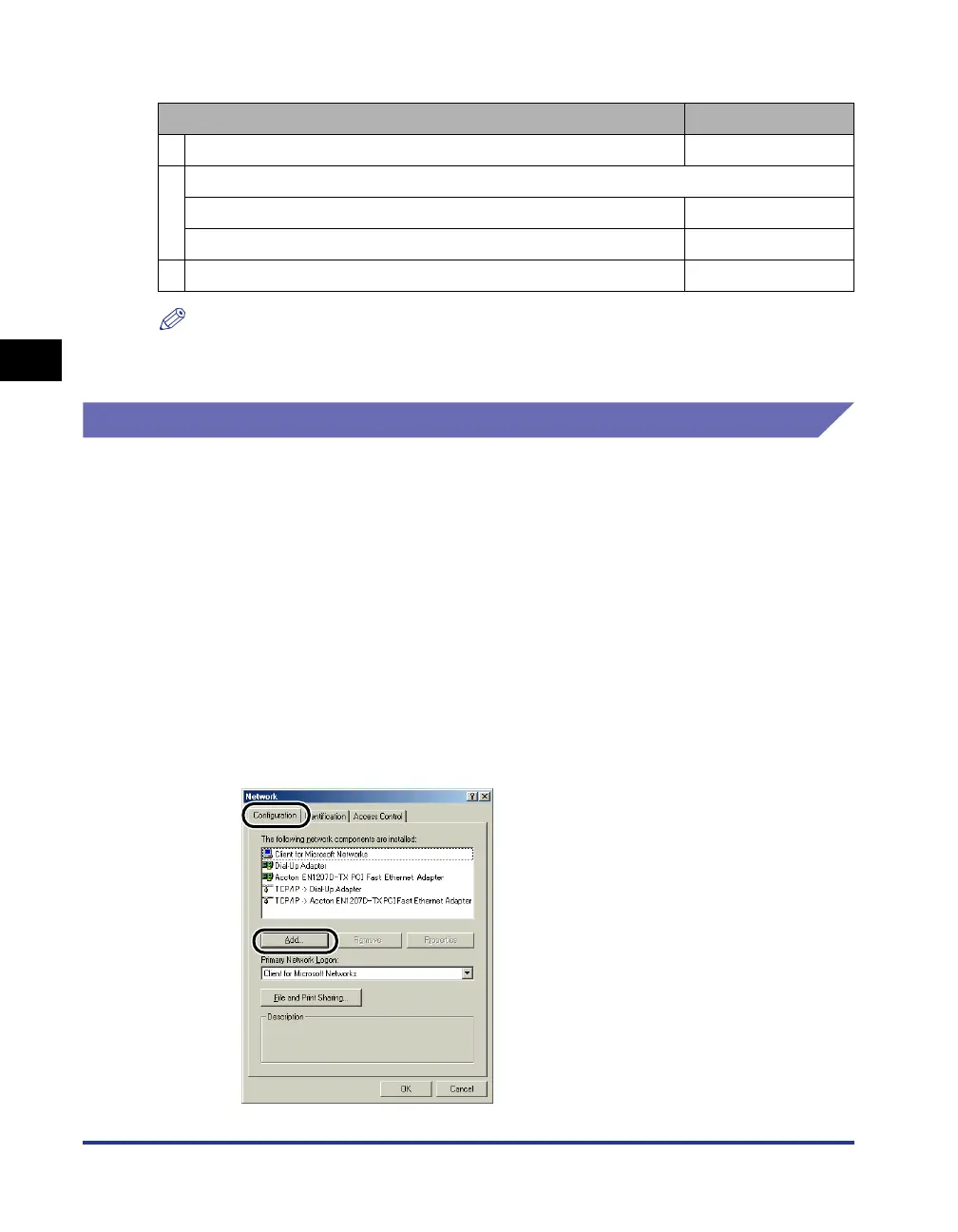
Display the [Configuration] sheet, then click [Add].
Item to Configure Refer to
1 Installing the Printer Driver on the Print Server p. 3-4
2
Configure the Print Server
•For Windows 98/Me p. 3-48
•For Windows 2000/XP/Server 2003/Vista p. 3-53
3 Install the Clients p. 3-61











 To Next Page