Specifying Printing Preferences
4-9
Printing a Document
4
Opening the [Printer Properties] Dialog Box from the [Printers]
Folder
1
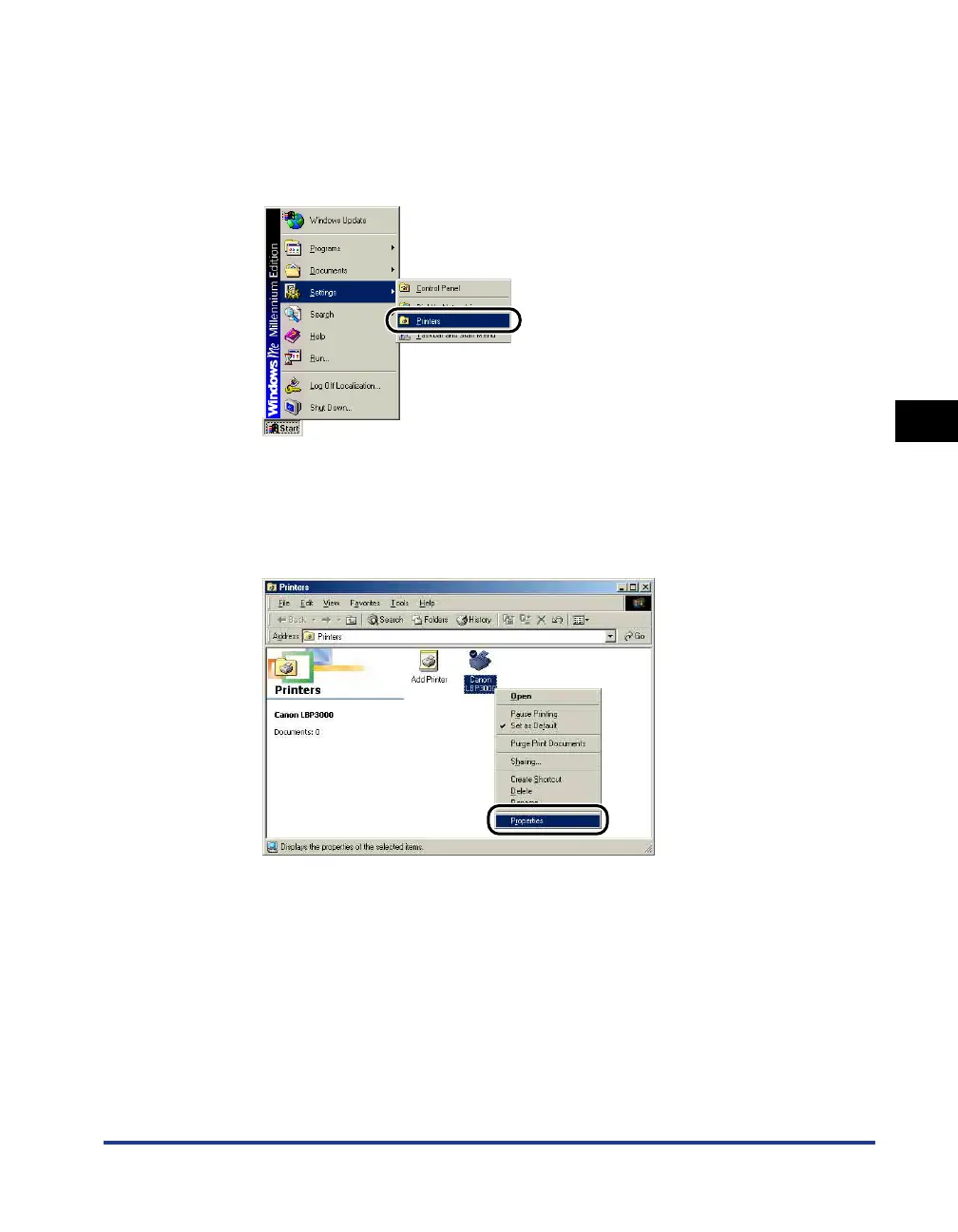
From the [Start] menu, select [Settings] ➞ [Printers].
The [Printers] folder is displayed.
2
Right-click the icon for this printer, then select [Properties]
from the pop-up menu.











 To Next Page