Using the Printing Functions
4-52
Printing a Document
4
Editing Print Jobs
PageComposer allows you to combine 2 or more print jobs into a single job for
printing, or modify the printer settings of combined jobs for printing. You can also
edit jobs from different applications and preview print jobs.
Make sure that any one of the [Page Setup], [Finishing], [Paper Source], or [Quality]
sheet is displayed in the [Document Properties] dialog box, then perform the
following procedure:
1
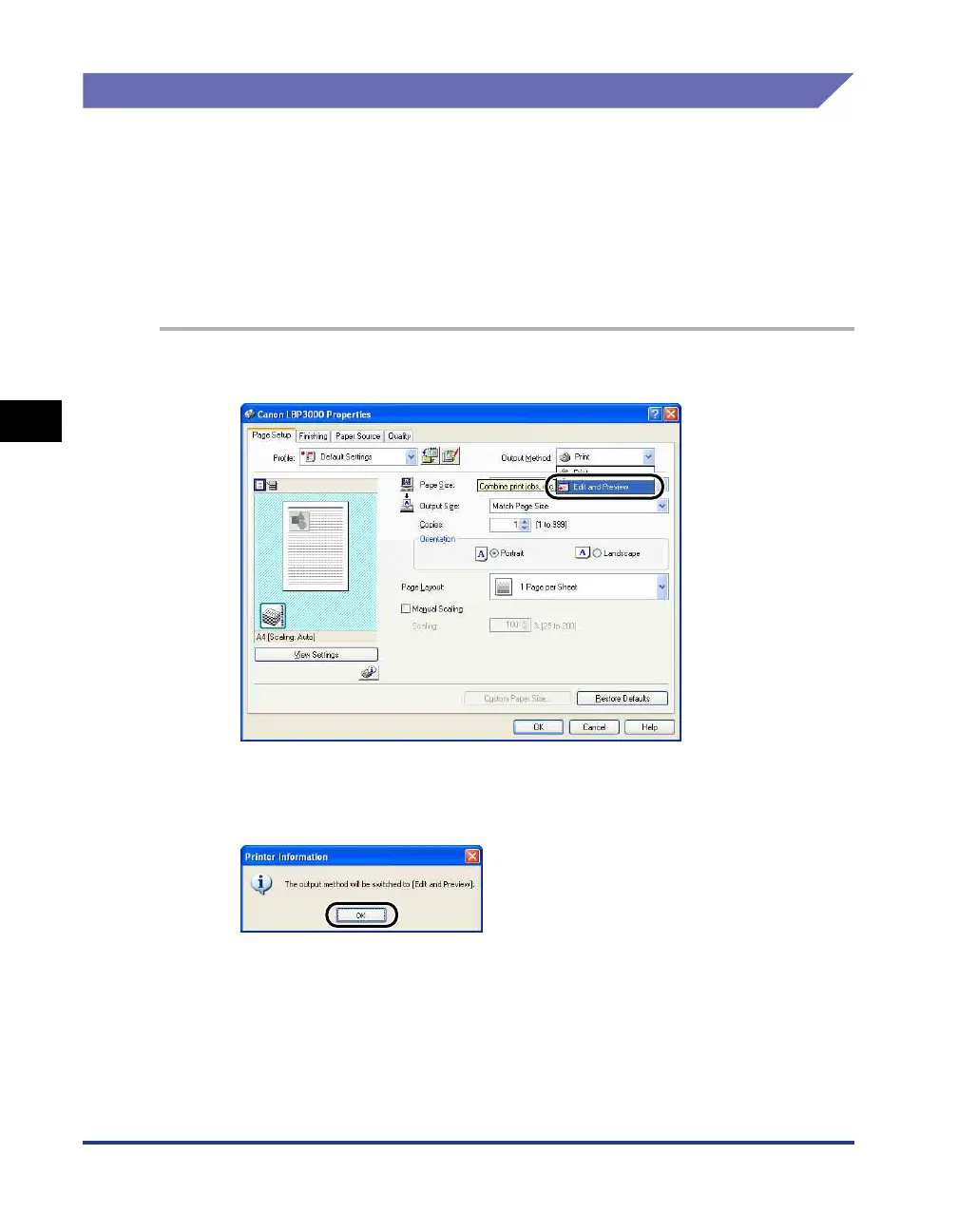
Set the [Output Method] to [Edit and Preview].
2
The message that the output method is going to be switched
to the [Edit and Preview] mode is displayed. Click [OK].











 To Next Page