Using the Printing Functions
4-38
Printing a Document
4
Poster Printing
You can magnify a single page image and print it out over several sheets of paper.
You can then create a large poster-sized printout by taping the multiple sheets of
paper together.
1
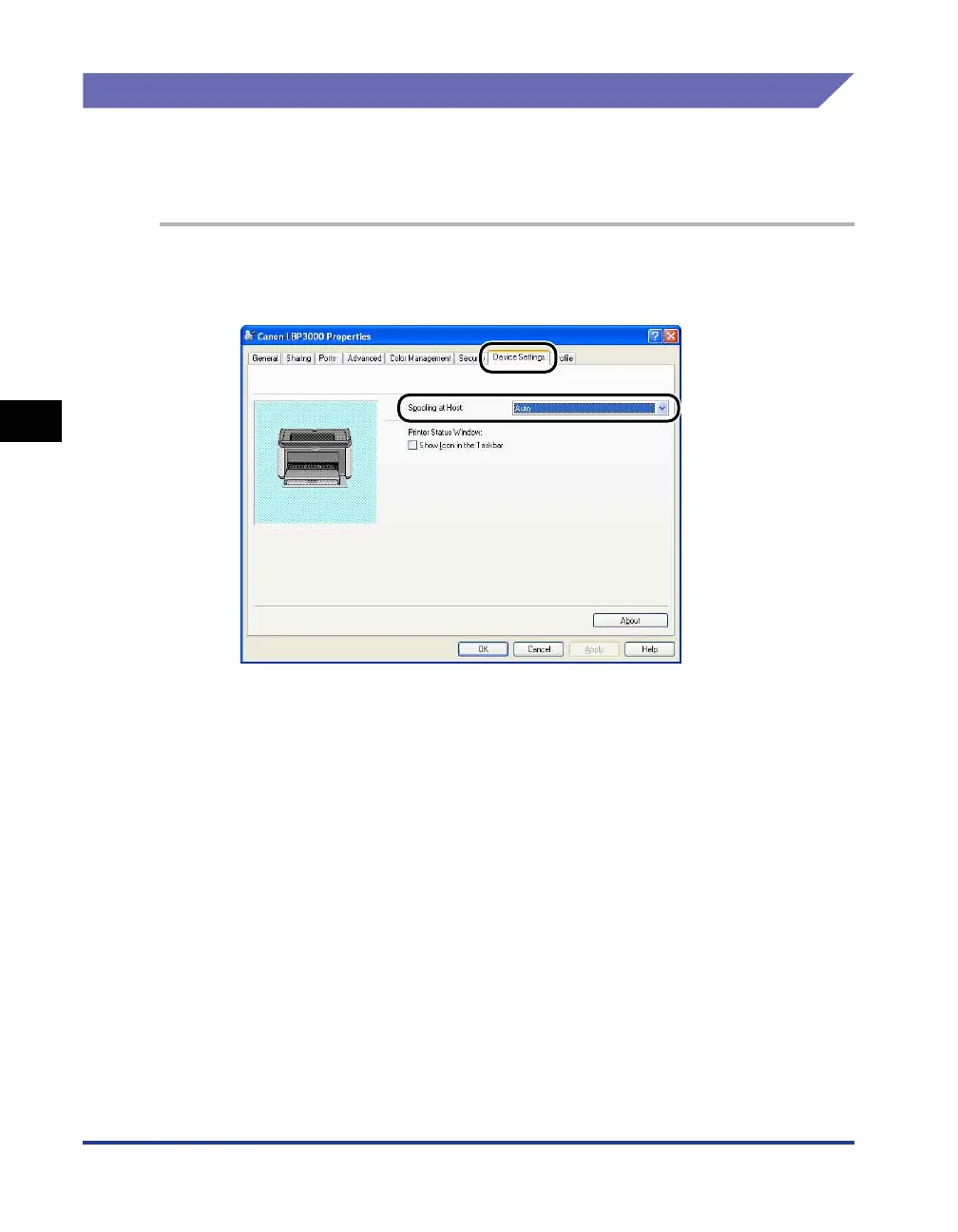
For Windows 2000/XP/Server 2003/Vista, display the [Device
Settings] sheet and select [Auto] from [Spooling at Host].











 To Next Page