Specifying Printing Preferences
4-11
Printing a Document
4
Opening the [Document Properties] Dialog Box from an Application
This section describes the procedure for opening the [Document Properties] dialog
box, taking Adobe Reader 6.0 as an example.
1
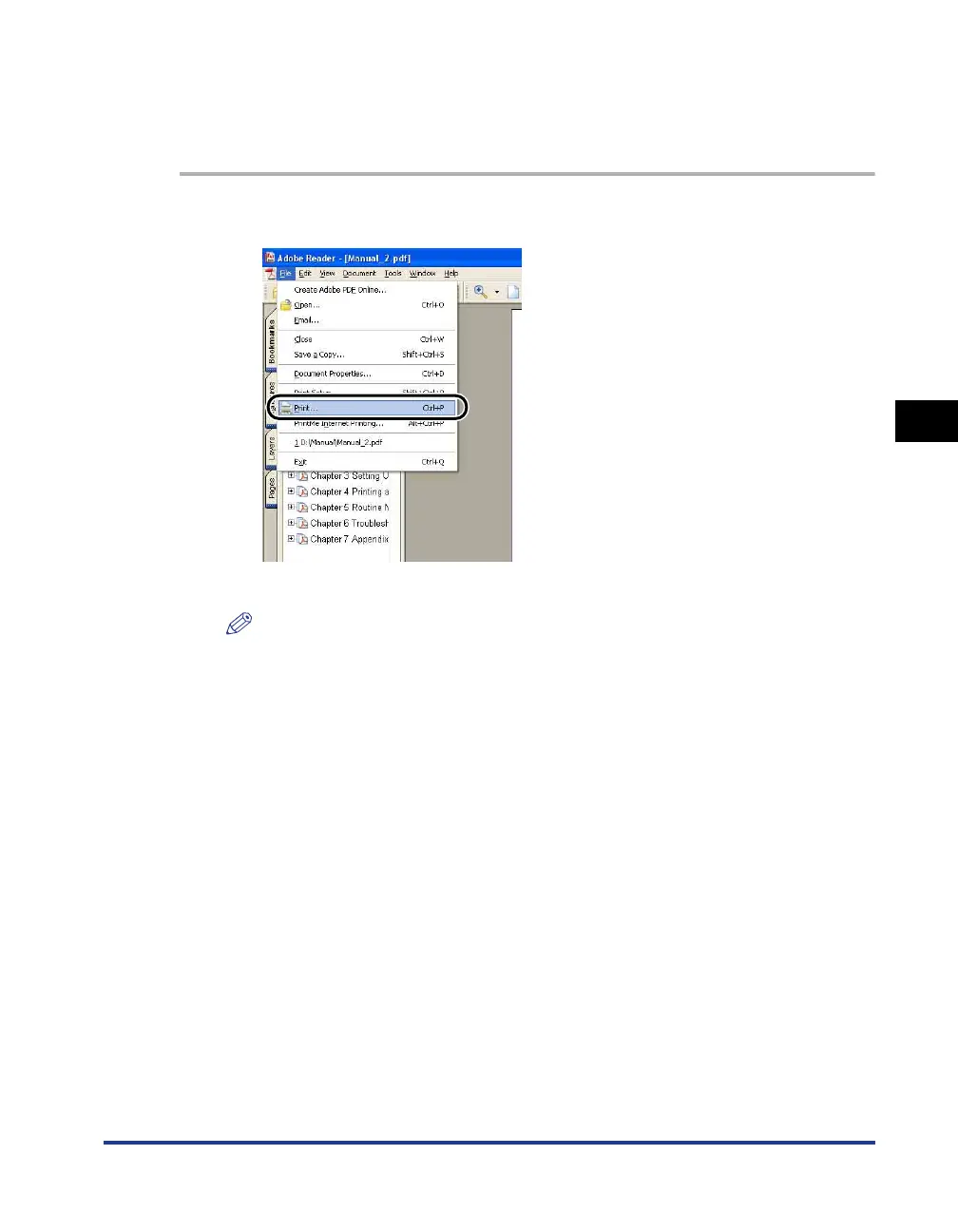
Select [Print] from the [File] menu in the application.
The [Print] dialog box is displayed.
NOTE
The print command is different depending on the application you are using. Refer
to the users manual supplied with your application for further details.











 To Next Page