Paper Output
2-11
Loading and Delivering Paper
2
Paper Output
Output Tray Types
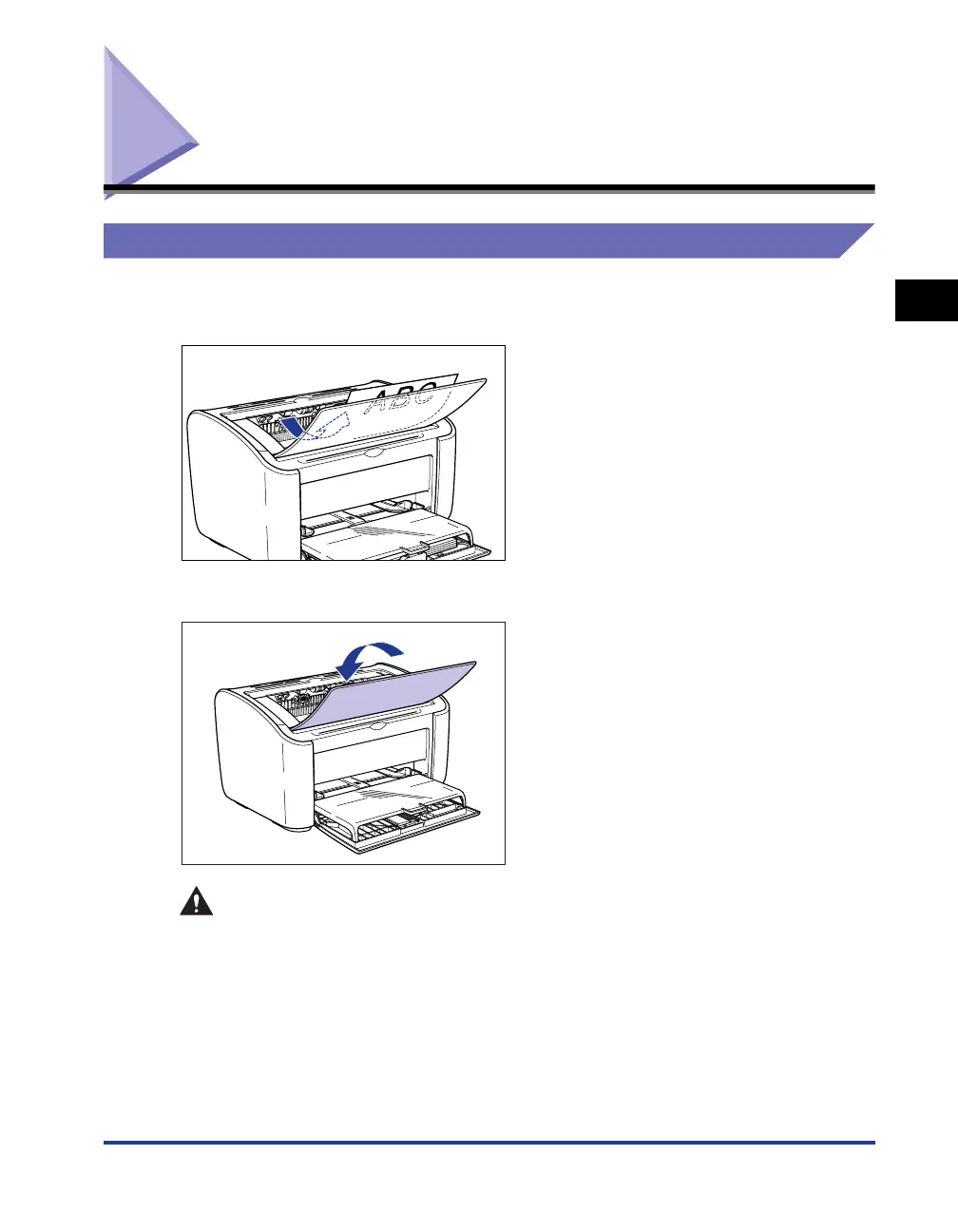
Pages are output to the output tray on the top of the printer with the printed side
facing down. Open the output tray when you are printing to the output tray.
Close the output tray when you are not using the printer.
CAUTION
Keep your hands or clothing away from the roller in the output area. Even if the
printer is not printing, sudden rotation of the roller may catch your hands or
clothing, resulting in personal injury.











 To Next Page