Using the Printing Functions
4-46
Printing a Document
4
Grayscale Settings
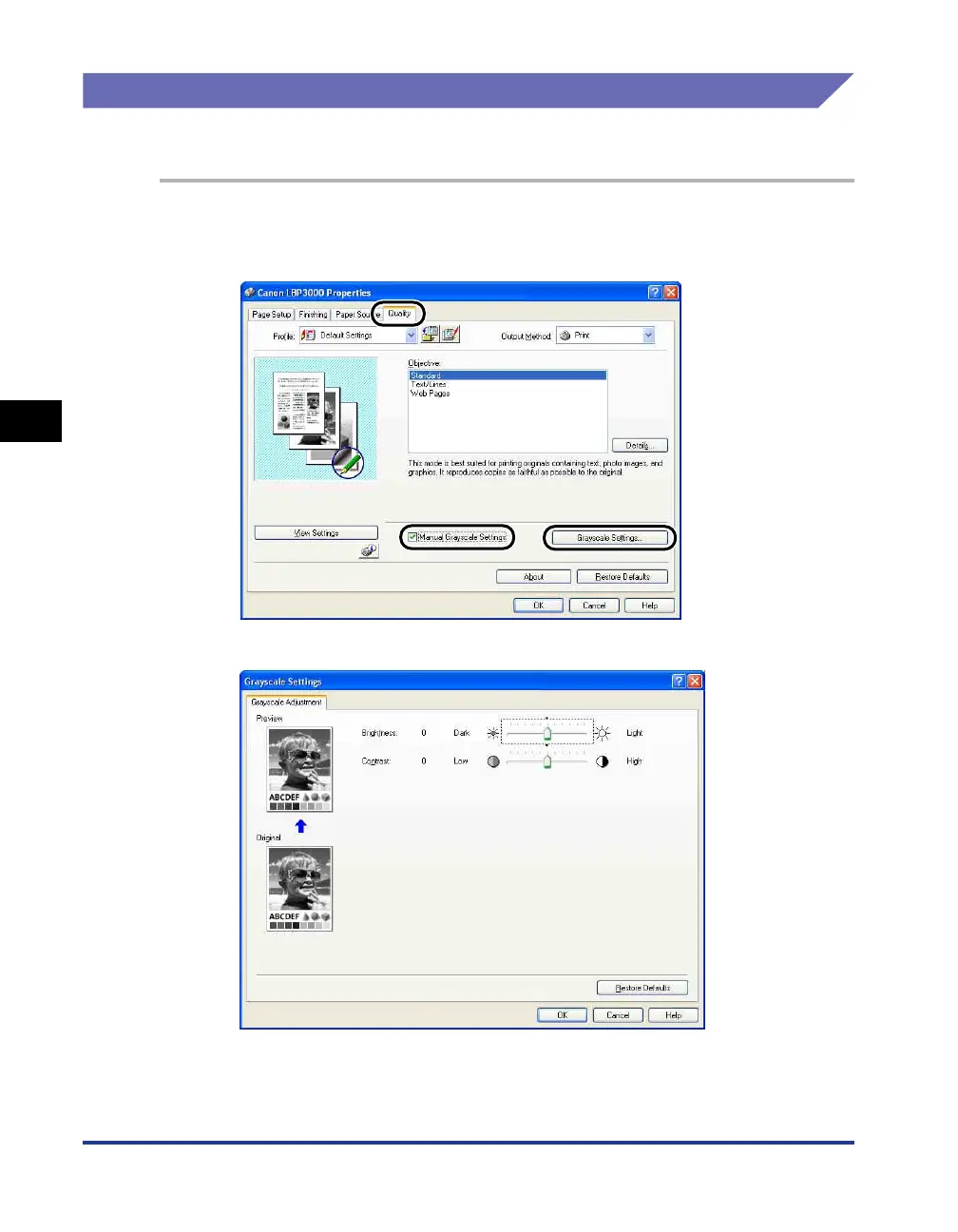
You can customize the grayscale settings.
1
Display the [Quality] sheet, place a checkmark next to [Manual
Grayscale Settings], and then click [Grayscale Settings].
The [Grayscale Settings] dialog box is displayed.











 To Next Page