Printing from a Network Computer using a Shared Printer
3-73
Setting Up the Printing Environment
3
Installing using [Windows Explorer]
1
From the [Start] menu, select [All Programs] ➞ [Accessories]
➞ [Windows Explorer].
For Windows Me/2000: From the [Start] menu, select [Programs] ➞
[Accessories] ➞ [Windows Explorer].
For Windows 98: From the [Start] menu, select [Programs] ➞ [Windows
Explorer].
The [Windows Explorer] window is displayed.
2
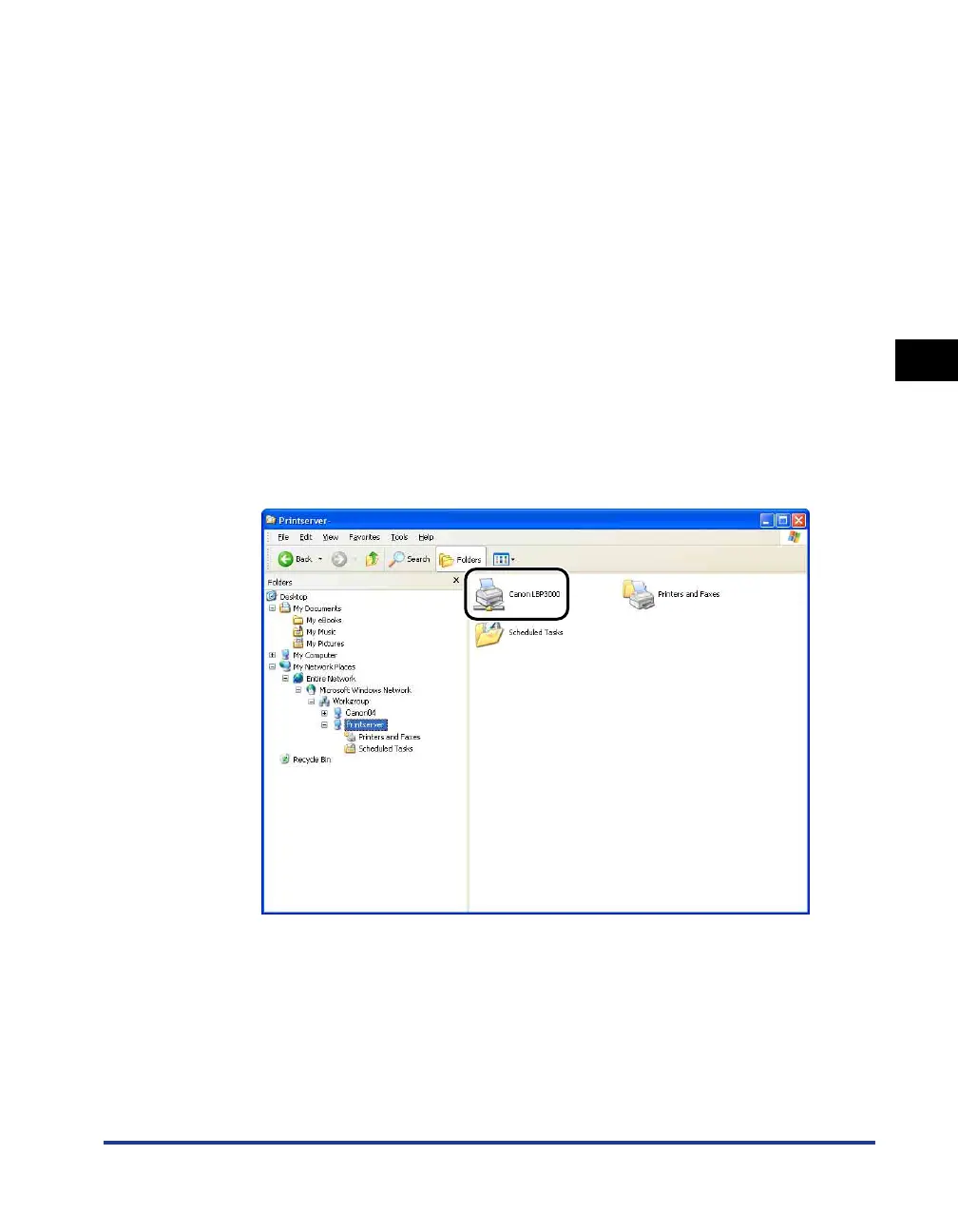
Select the print server from [My Network Places] (from
[Network Neighborhood] for Windows 98; from [Network] for
Windows Vista), then double-click the icon for this printer.
Alternatively, you can drag and drop the icon for the printer into the [Printers and
Faxes] or [Printers] folder.











 To Next Page