Printing from a Network Computer using a Shared Printer
3-72
Setting Up the Printing Environment
3
8
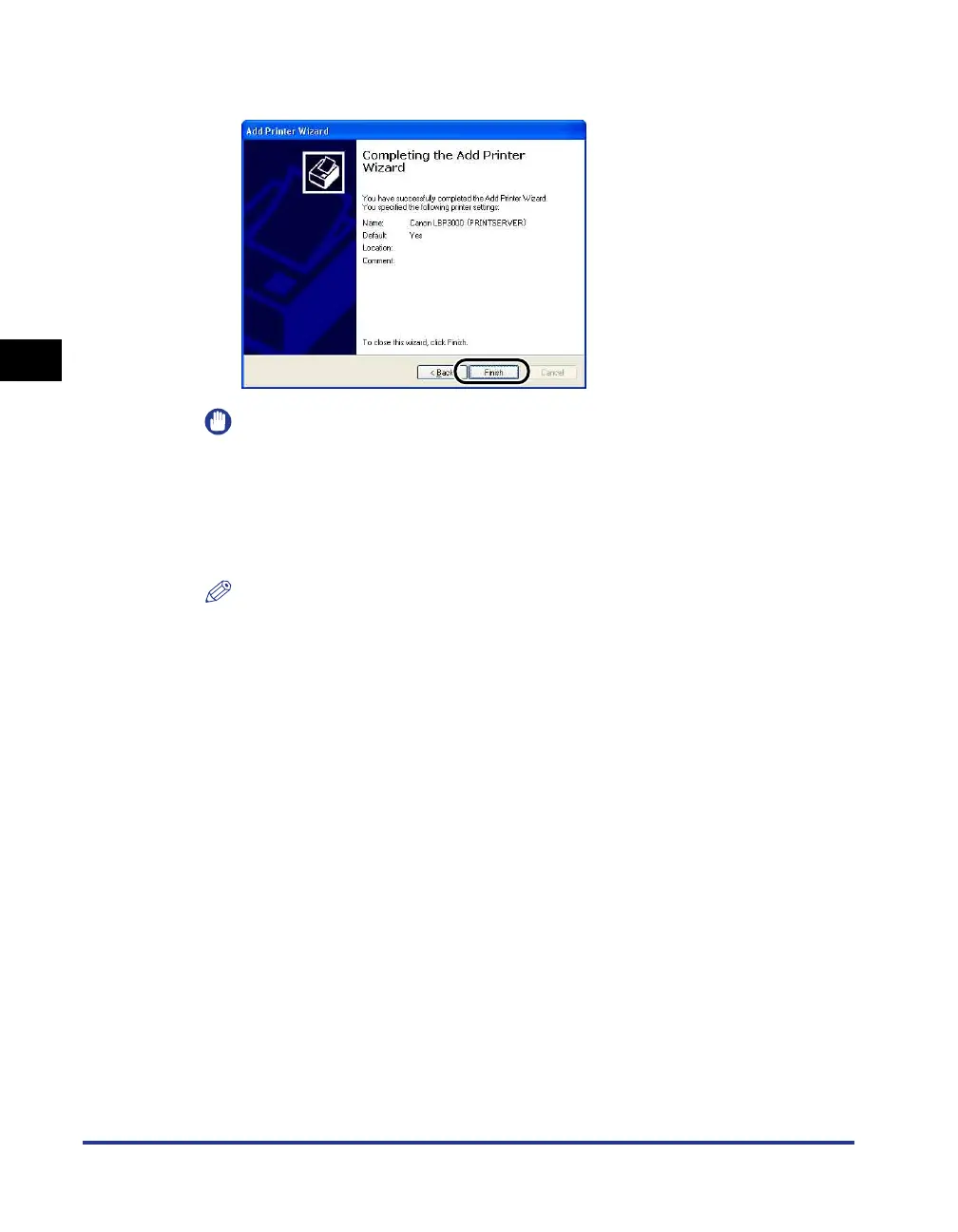
Click [Finish].
IMPORTANT
If you are using an operating system equipped with Windows Firewall, such as
Windows XP Service Pack 2, on the client computer, you need to configure
Windows Firewall to unblock communication with the print server. If you do not
configure Windows Firewall to unblock communication with the server, the printer
status may not be displayed correctly in the Printer Status Window and some
functions may not operate properly. (See p. 7-8)
NOTE
If the [Digital Signature Not Found] dialog box appears, click [Yes].











 To Next Page