Using the Printing Functions
4-53
Printing a Document
4
3
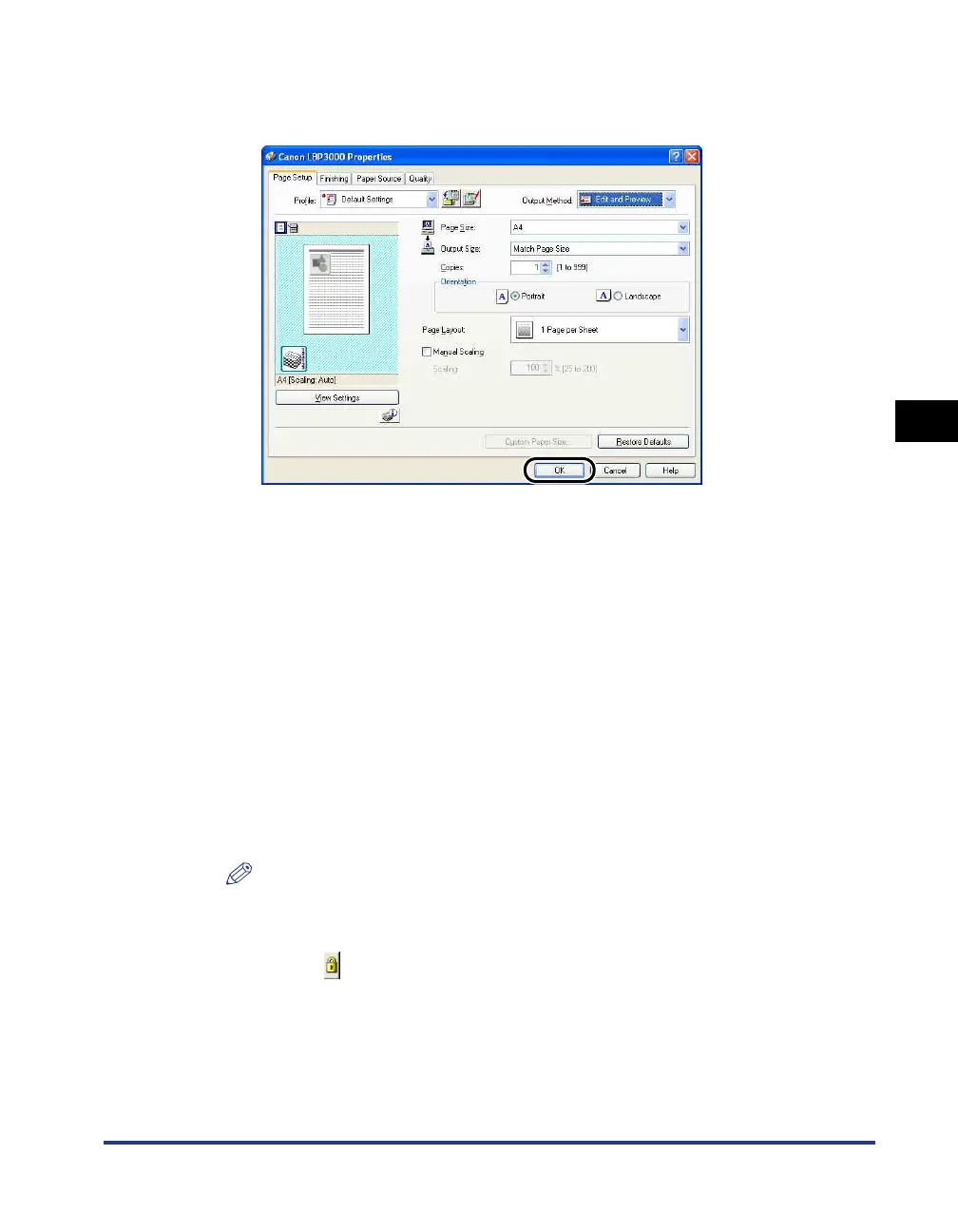
Specify the printing preferences in each sheet, then click
[OK].
The [Print] dialog box reappears.
4
Click [OK].
Click on the [Print] button depending on the application software that you are
using.
The [Canon PageComposer] dialog box is displayed and the job is displayed on
a list.
5
Repeat Step 1 to 4 for each of the jobs that you want to edit.
6
In the [Canon PageComposer] dialog box, you can edit the
jobs in the list.
NOTE
•
For details on adjusting settings in the [Canon PageComposer] dialog box,
refer to the Canon PageComposer online help.
•
If you select [Edit and Preview] mode in the [Printer Properties] dialog box and
select
[]
(Lock), the [Canon PageComposer] dialog box will appear every time
you print.











 To Next Page