Printing on Custom Paper Sizes (Non-Standard Sizes)
2-52
Loading and Delivering Paper
2
1
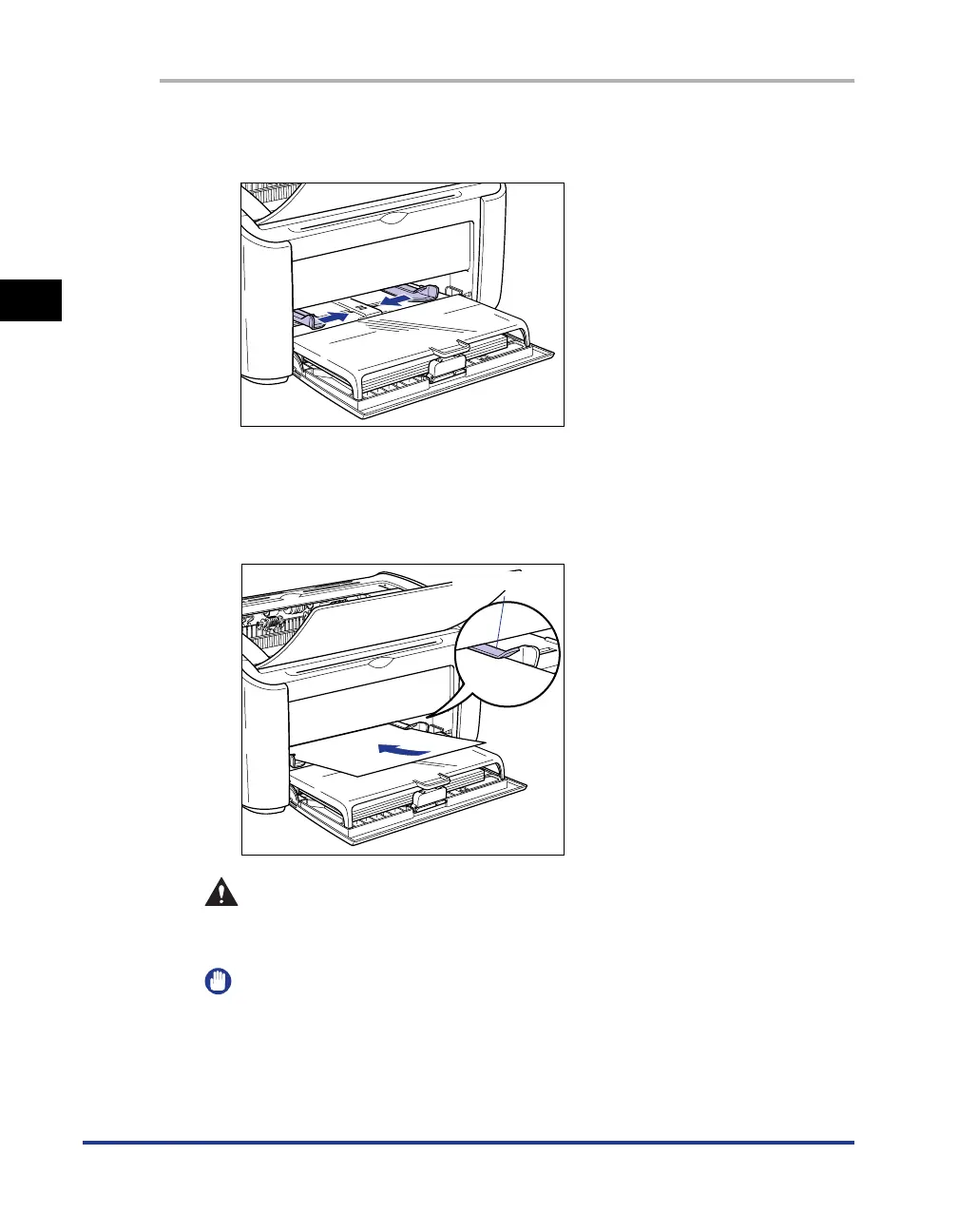
Push the side paper guides out a little wider than the actual
width of the paper.
2
Gently load the paper with the printing side facing up until it
touches the back of the tray.
Make sure that the paper passes under the paper limit guides.
CAUTION
When loading paper, take care not to cut your hands with the edges of the
paper.
IMPORTANT
•
Load the paper so that it is straight.
•
If the paper is curled or folded at the corners, flatten it out before loading.
Paper Limit Guide











 To Next Page