Printing on Custom Paper Sizes (Non-Standard Sizes)
2-53
Loading and Delivering Paper
2
NOTE
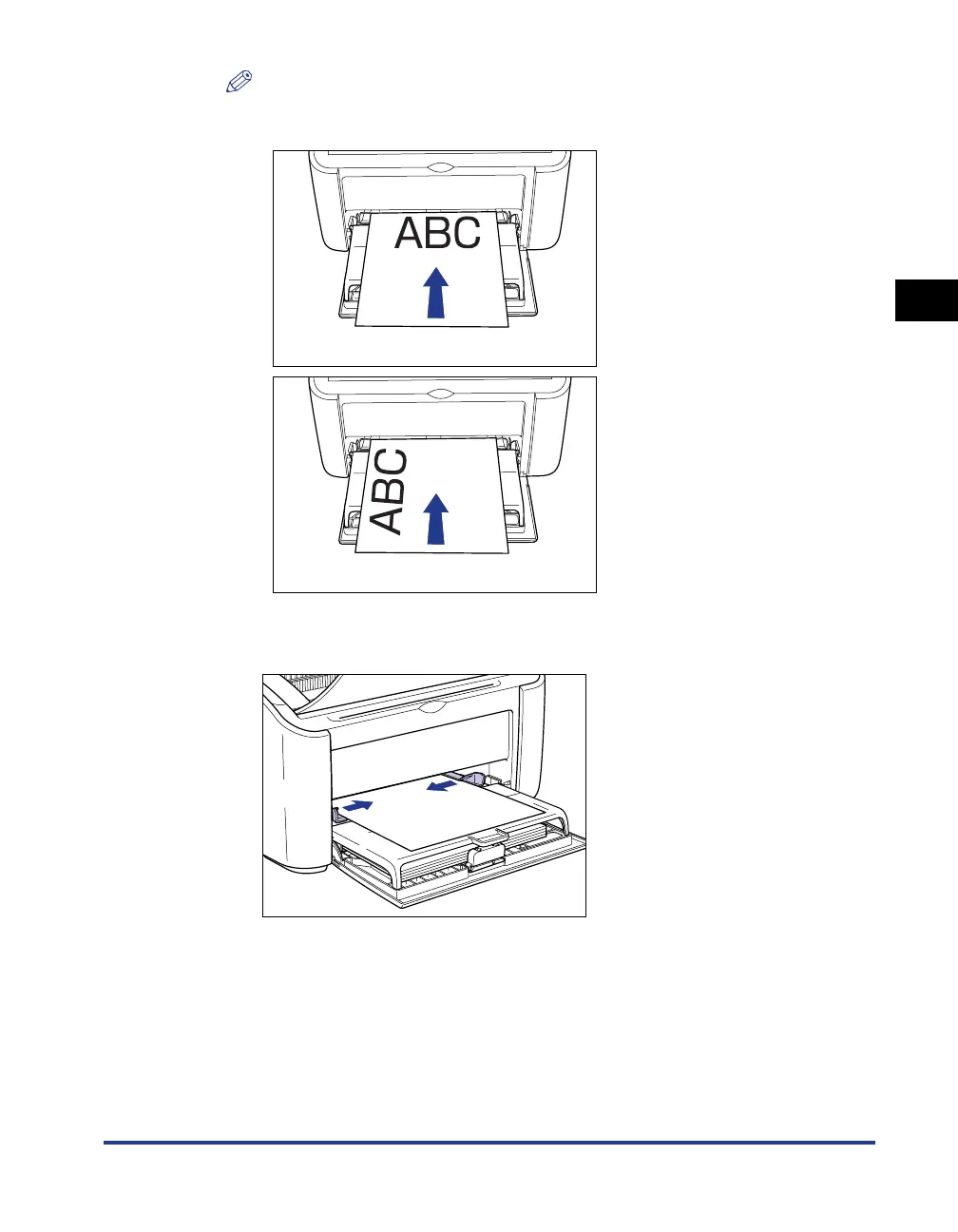
To print on letterhead paper or paper with a logo already printed on it, load the
paper so that the printed side is facing up and the top of the paper is at the far end.
3
Slide the paper guides to fit both sides of the paper.











 To Next Page