Using the Printing Functions
4-35
Printing a Document
4
2
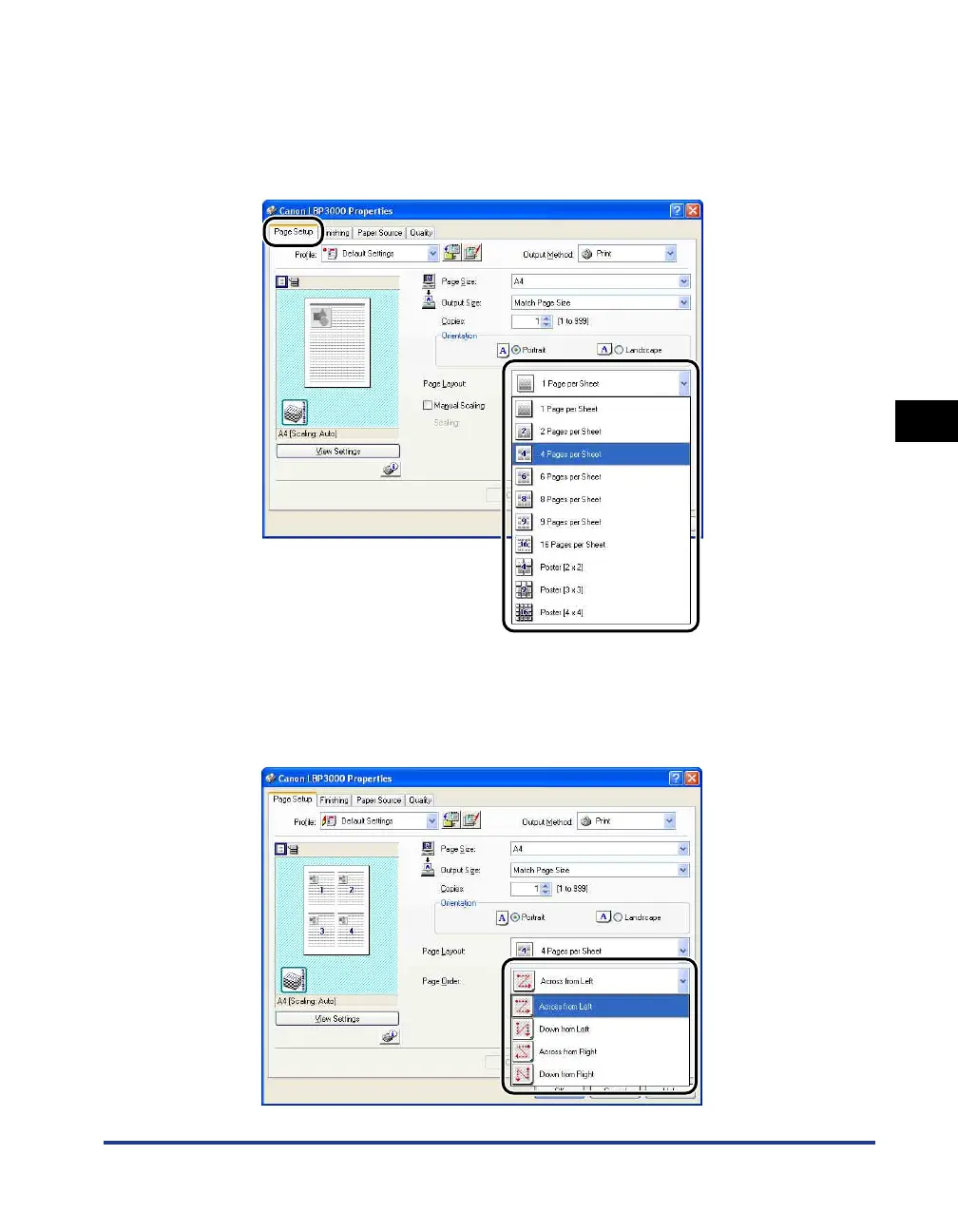
Display the [Page Setup] sheet, then set the [Page Layout]
setting to the number of pages to print on each sheet of paper.
The number of pages that can be selected is 1, 2, 4, 6, 8, 9, or 16 (Pages per
Sheet).
3
The [Page Order] setting is displayed if the number of pages
per sheet is 2, 4, 6, 8, 9 or 16. Use this to select the order that
pages are printed.











 To Next Page