Installing the CAPT Software
3-14
Setting Up the Printing Environment
3
5
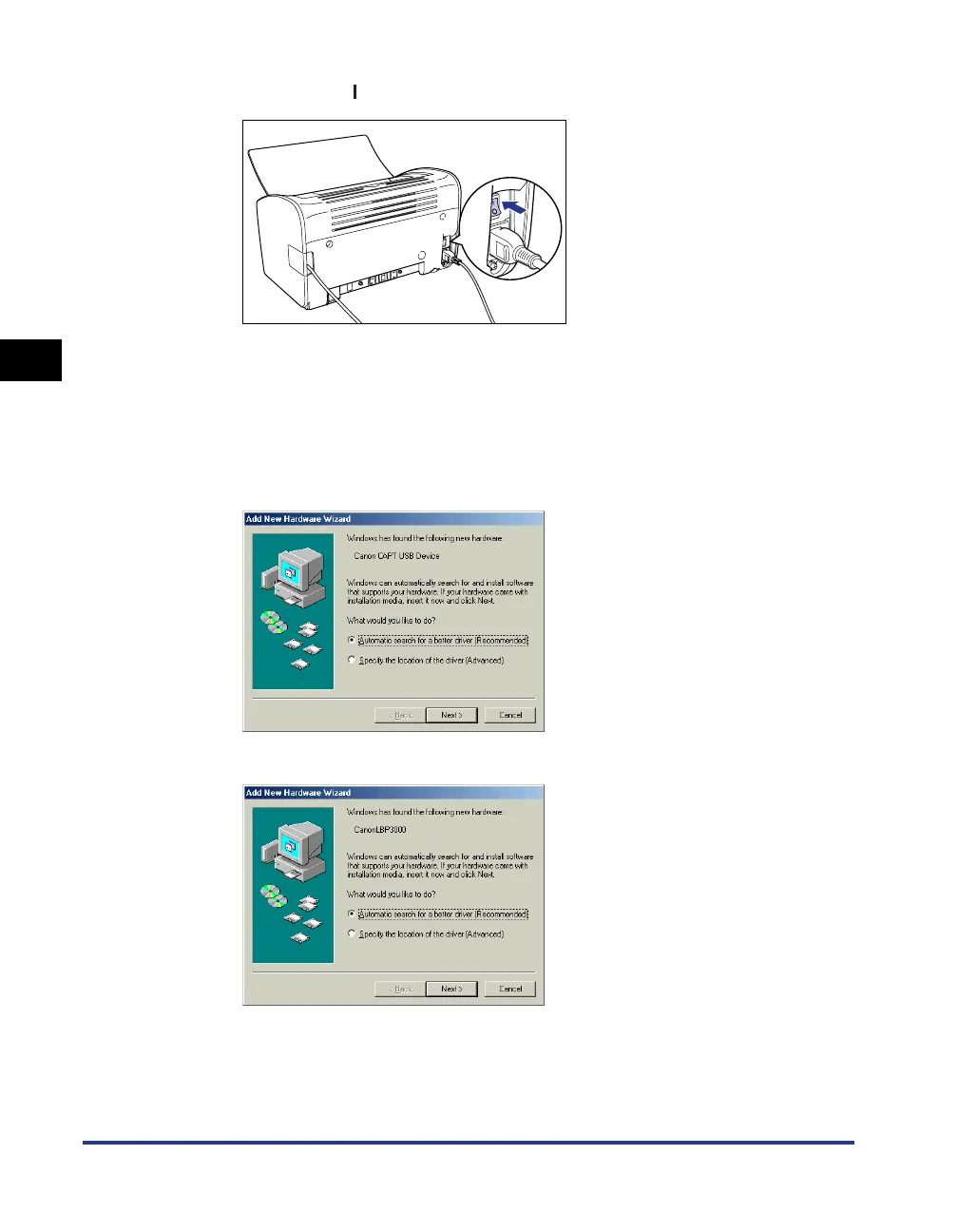
Press the " " side of the power switch to turn the printer on.
6
Turn the computer on and start up Windows 98/Me.
The [Add New Hardware Wizard] dialog box appears.
● For Windows Me
If the following dialog box appears, proceed to Step 7.
If the following dialog box appears, proceed to Step 14.











 To Next Page