Installing the CAPT Software
3-17
Setting Up the Printing Environment
3
11
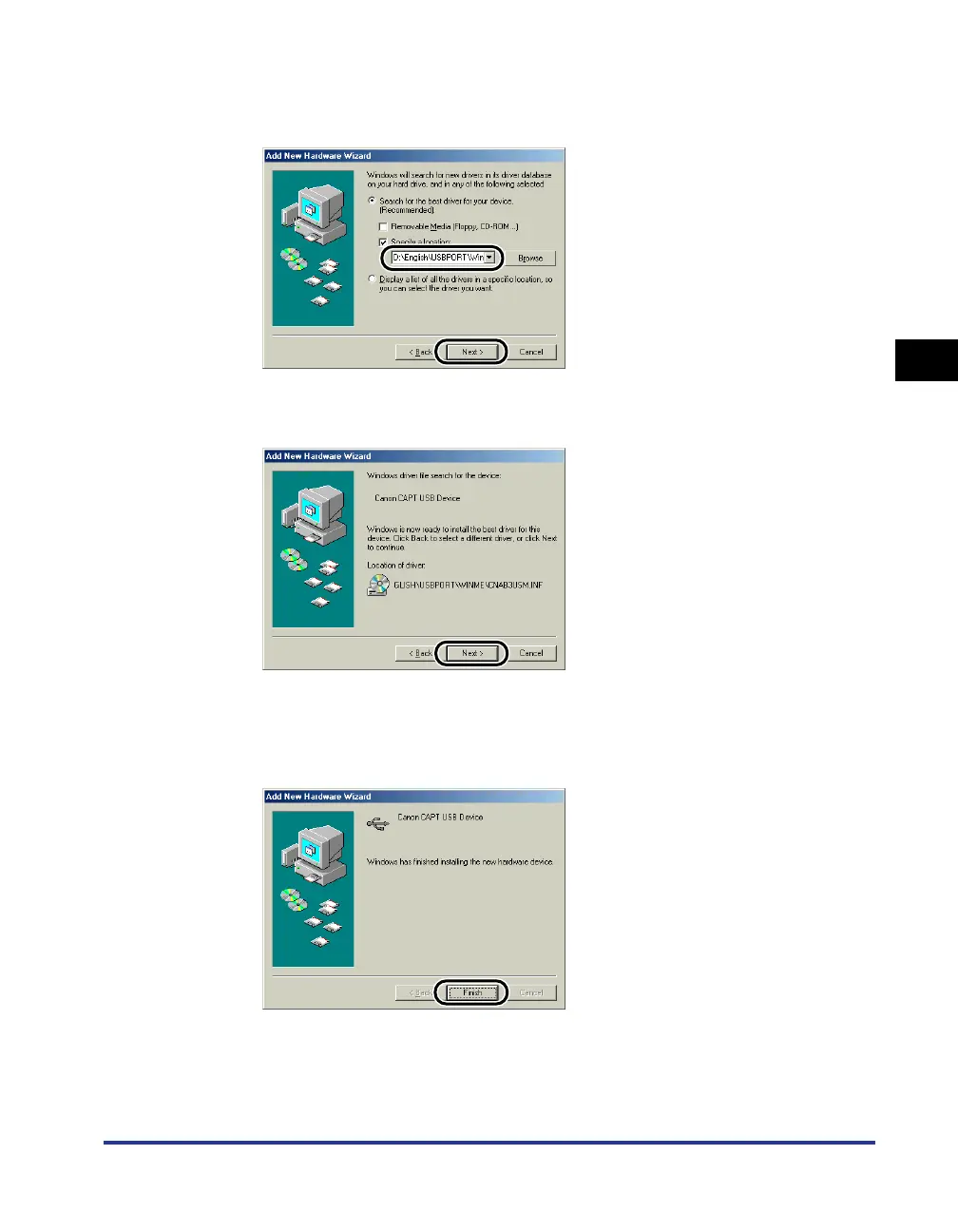
Make sure that the correct path is displayed in the [Specify a
location] field, and then click [Next].
12
Click [Next].
Installation of the USB class driver starts.
13
Click [Finish].
The computer automatically detects the printer. Please wait a moment.











 To Next Page