Installing the CAPT Software
3-19
Setting Up the Printing Environment
3
16
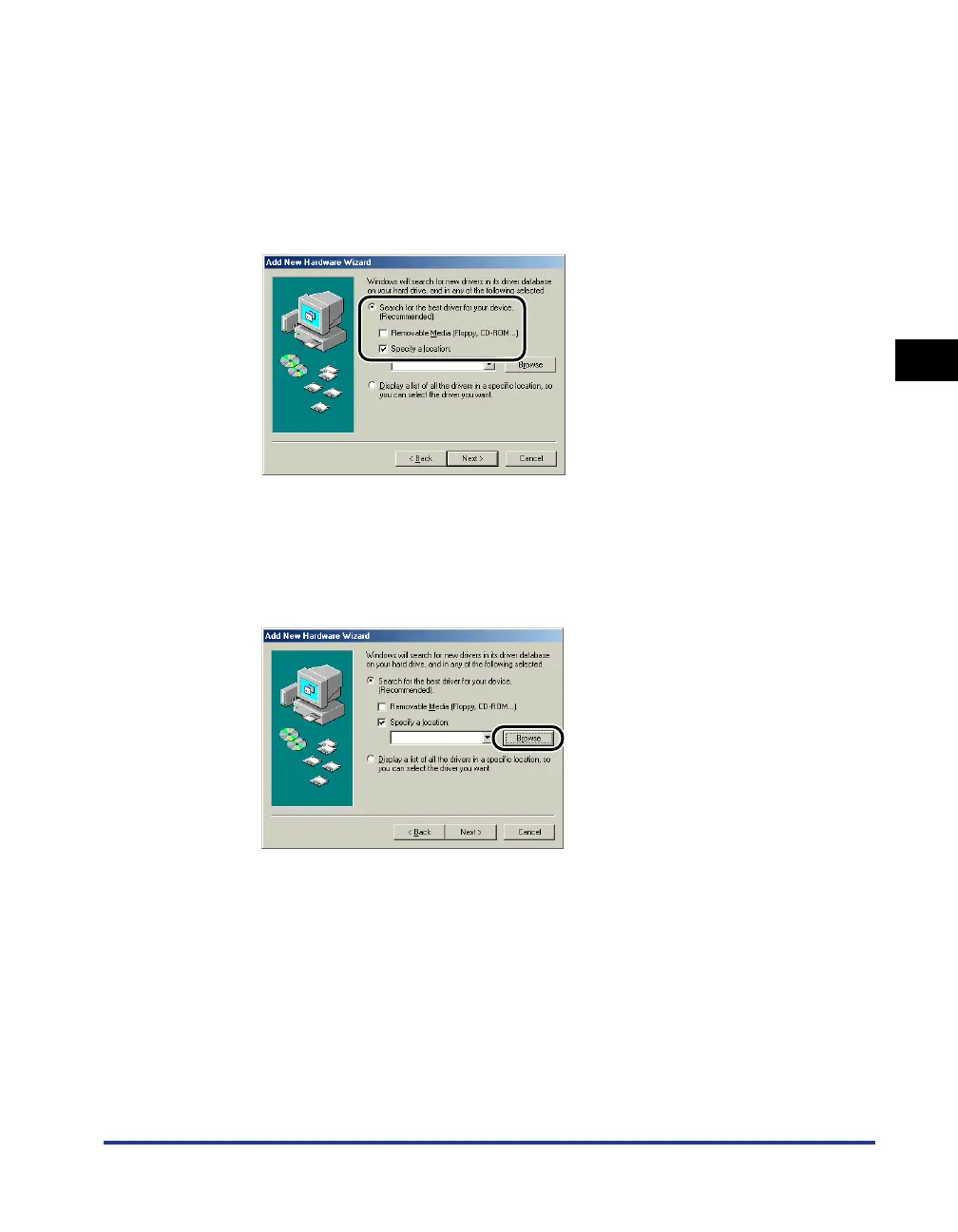
Select [Search for the best driver for your device.
(Recommended).], remove the checkmark from [Removable
Media (Floppy, CD-ROM...)], place a checkmark next to
[Specify a location].
For Windows 98: Remove the checkmarks from [Floppy disk drives] and
[CD-ROM drive], place a checkmark next to [Specify a location].
17
Click [Browse], and then select a folder.
Select [D:\English\Win98_Me], and then click [OK].
In this case the CD-ROM drive is assumed to be assigned to "D:". The actual
CD-ROM drive letter may be different depending on the computer you are using.











 To Next Page