Installing the CAPT Software
3-30
Setting Up the Printing Environment
3
5
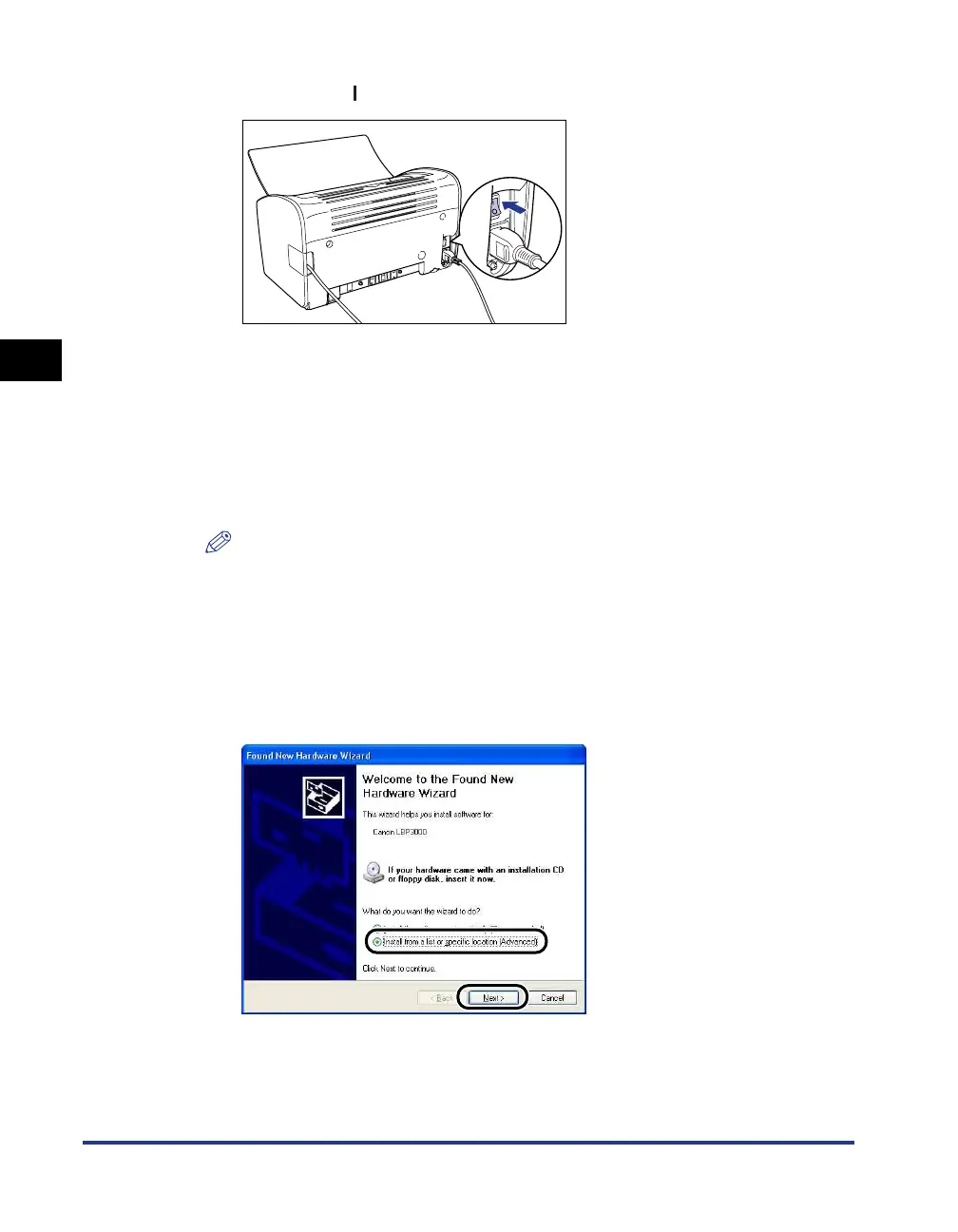
Press the " " side of the power switch to turn the printer on.
6
Turn the computer on and start up Windows XP/Server 2003.
7
Log on as a user who is a member of the Administrators
group.
The [Found New Hardware Wizard] dialog box appears.
NOTE
Full Control Permissions are required for the installation of the printer driver.
8
Insert the "LBP3000 User Software" CD-ROM into the CD-ROM
drive. Select [Install from a list or specific location
(Advanced)], then click [Next].
If CD-ROM Setup appears, click [Exit].











 To Next Page