Installing the CAPT Software
3-32
Setting Up the Printing Environment
3
11
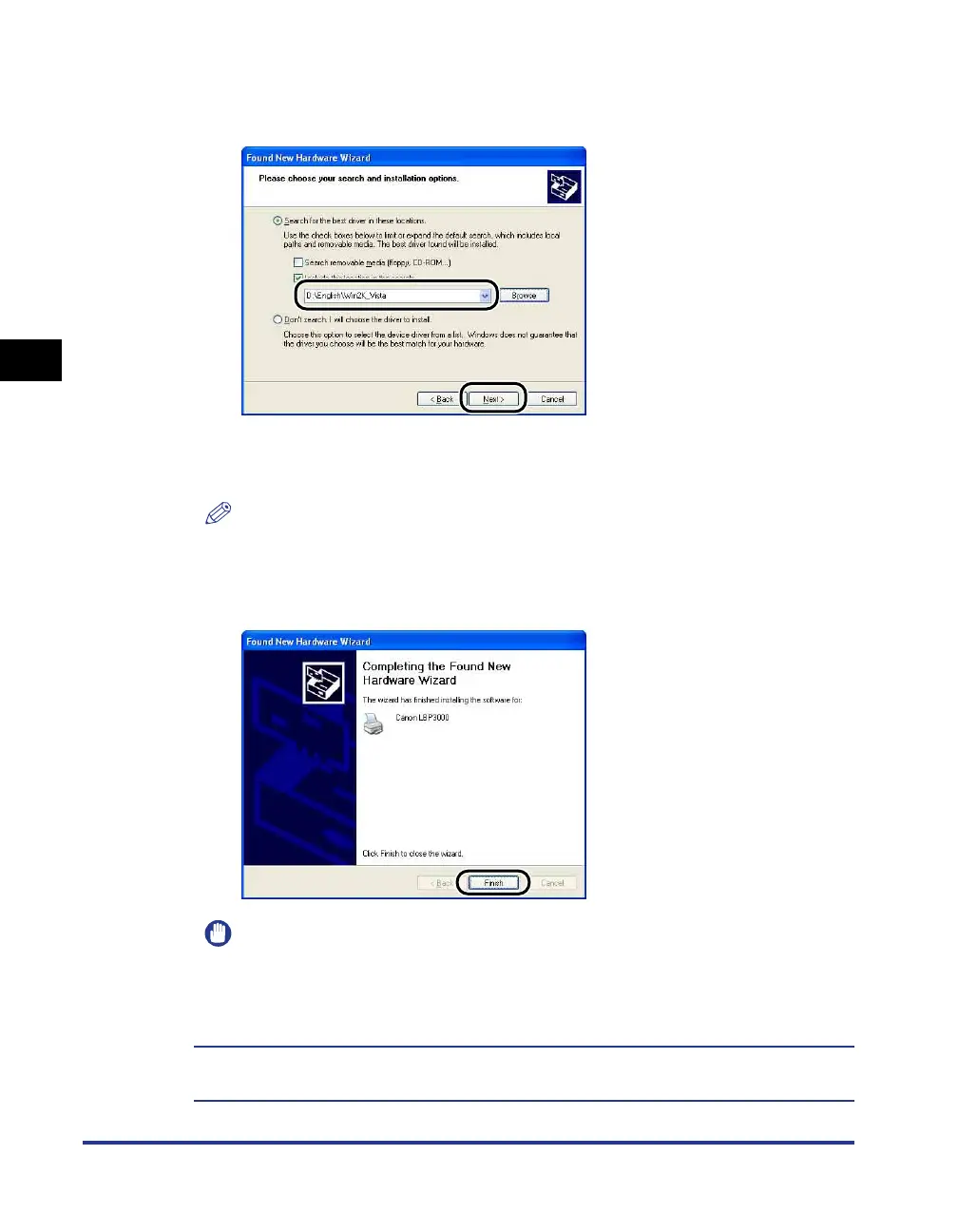
Make sure that the correct path is displayed in the [Include
this location in the search] field, then click [Next].
The installation progress is displayed.
After this, the [Completing the Found New Hardware Wizard] dialog is displayed.
NOTE
If the [Hardware Installation] dialog box appears, click [Continue Anyway].
12
Click [Finish].
IMPORTANT
If you are using Windows XP Service Pack 2 or another operating system equipped
with Windows Firewall as a print server, configure Windows Firewall to unblock
communication with the client computers. (See p. 7-8)
This completes the installation of the USB class driver (supplied with OS) and printer
driver.











 To Next Page