Printing from a Network Computer using a Shared Printer
3-67
Setting Up the Printing Environment
3
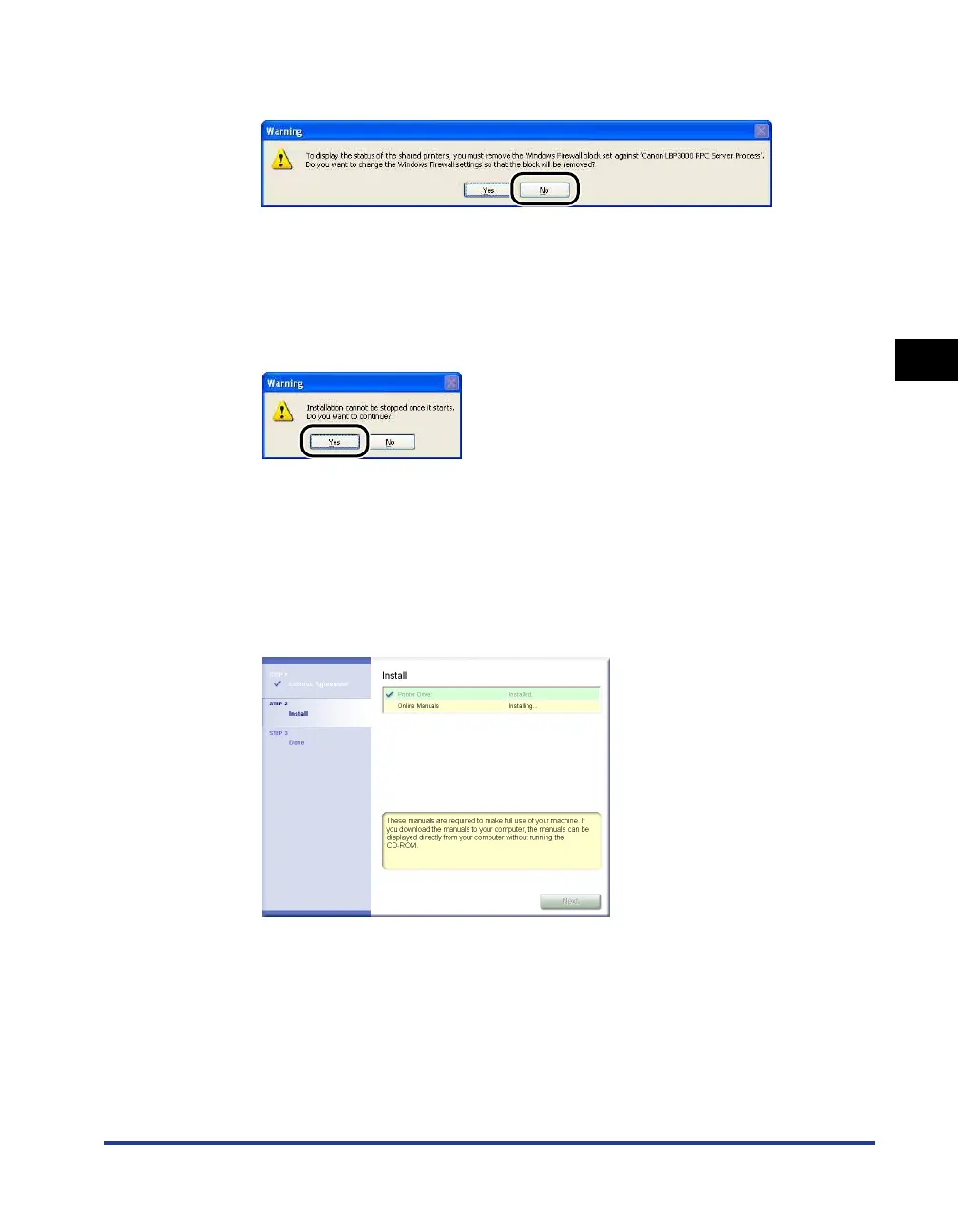
If you are using Windows XP Service Pack 2 or another operating system
equipped with Windows Firewall, the following screen is displayed. Click [No].
Select [Yes] only when the computer on which you are currently installing the
printer driver is to be used as a print server.
12
The message <Installation cannot be stopped once it starts.
Do you want to continue?> appears. Click [Yes].
Installation of the printer driver starts.
For Windows Vista: The [Printers] dialog box appears. Click [Install driver]. (If the
[User Account Control] dialog box appears, click [Continue].)
13
If [Easy Installation] is selected in Step 2, the manuals are
installed.











 To Next Page