Uninstalling the CAPT software
3-76
Setting Up the Printing Environment
3
NOTE
If you are using Windows Vista and the [User Account Control] dialog box appears,
click [Allow].
3
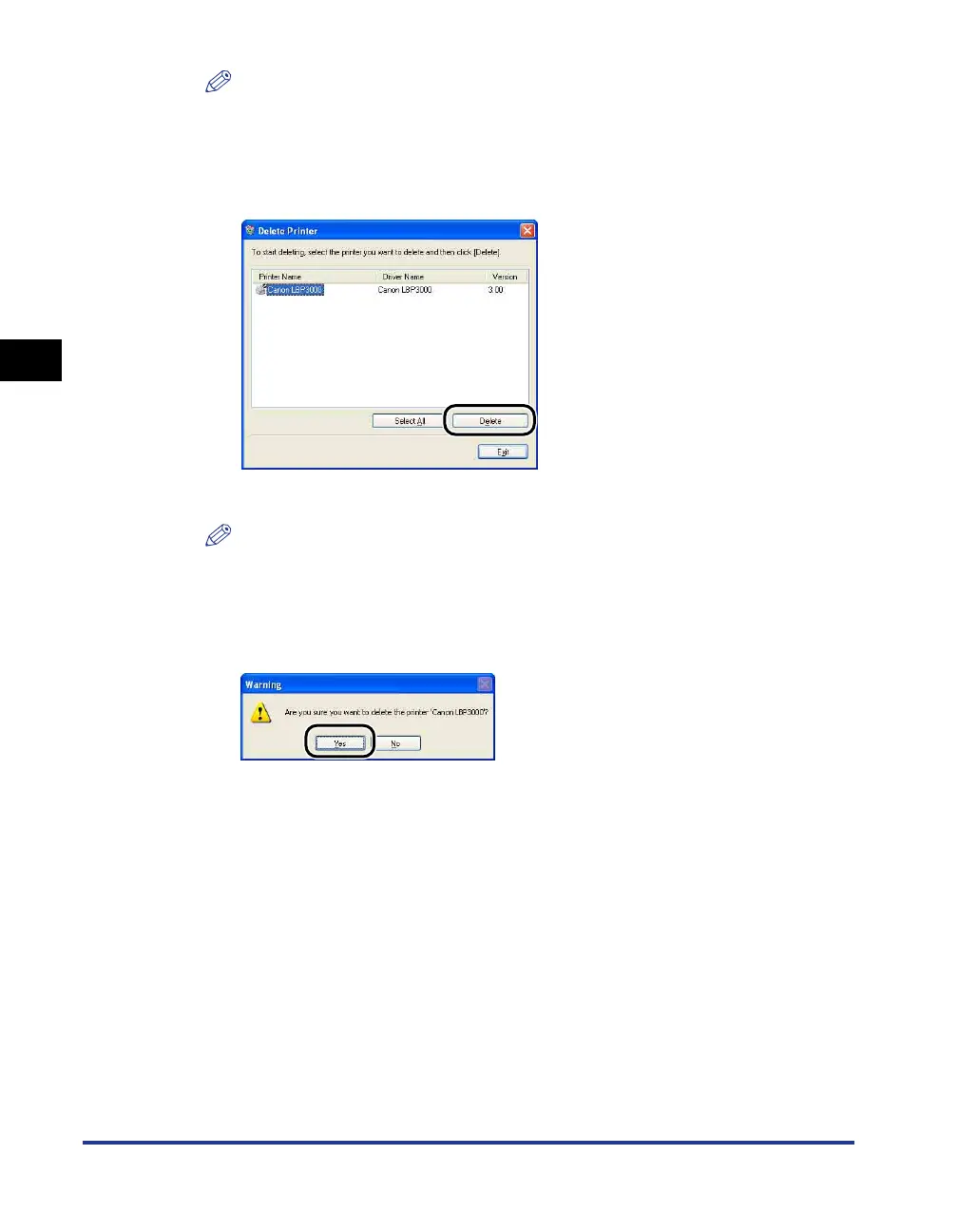
Select the name of your printer, and then click [Delete].
A confirmation message is displayed.
NOTE
Even if [Canon LBP3000] is not in the list in the [Delete Printer] dialog box, you can
delete all of the files and data related to this printer by clicking the [Delete] button.
4
Click [Yes].
The uninstallation process begins. Please wait a moment.











 To Next Page