Using the Printing Functions
4-26
Printing a Document
4
IMPORTANT
Using the toner save mode may decrease print density making printed text look patchy.
■ [Manual Grayscale Settings] (See p. 4-46)
Check this box if you want to customize the grayscale settings. To configure the grayscale
settings in detail, click the [Grayscale Settings] button to open the [Grayscale Settings]
dialog box.
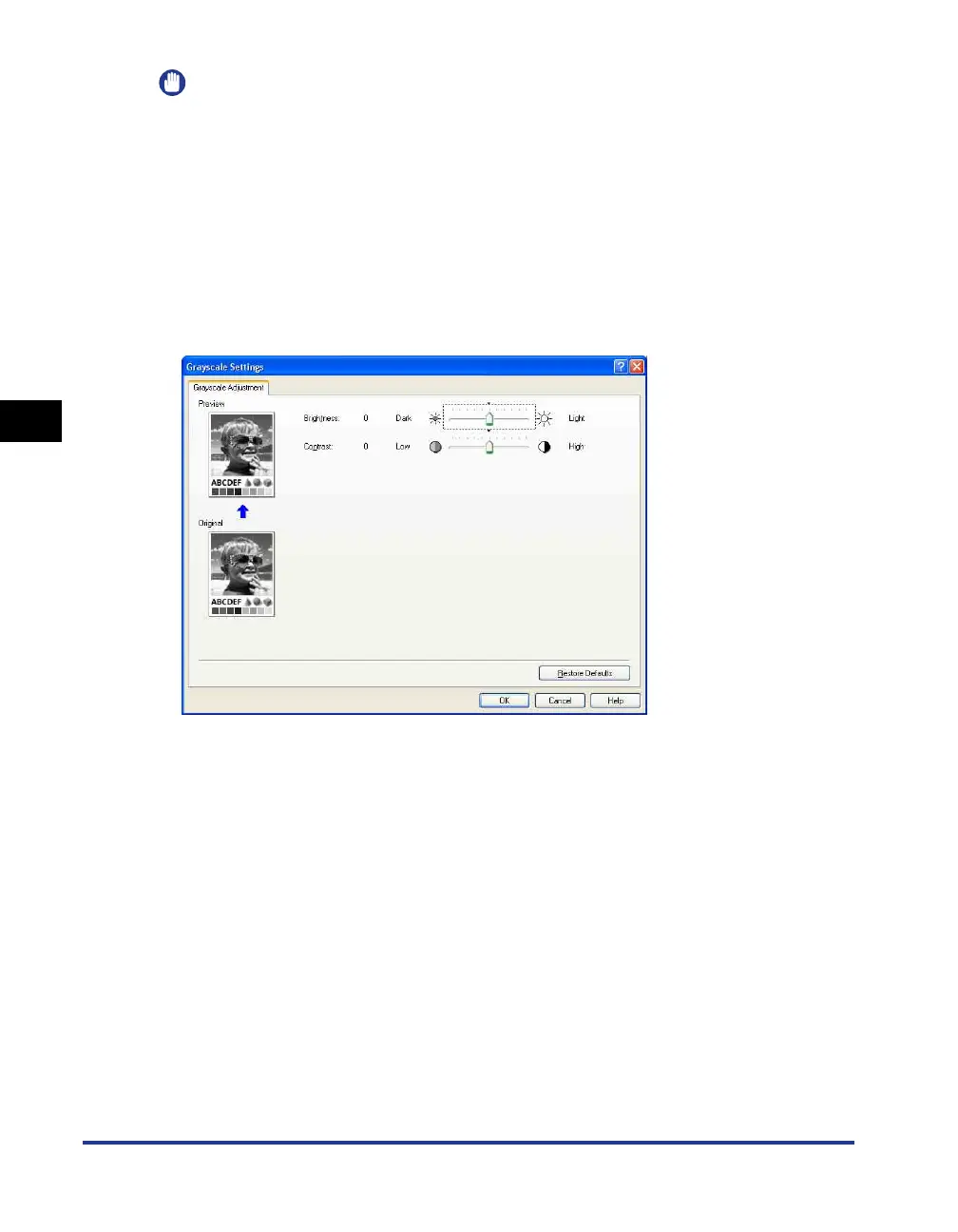
■ [Grayscale Settings] (See p. 4-46)
Click [Grayscale Settings] to open the dialog box shown below.
This dialog box allows you to specify brightness and contrast used for printing.











 To Next Page